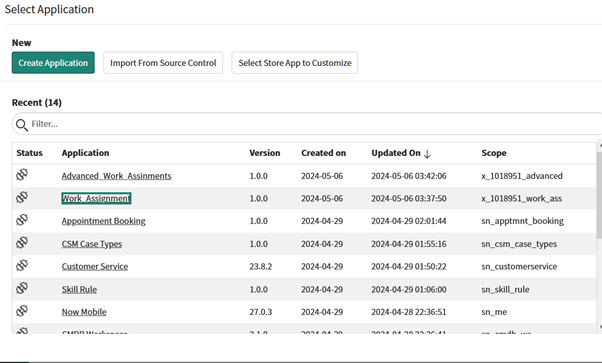
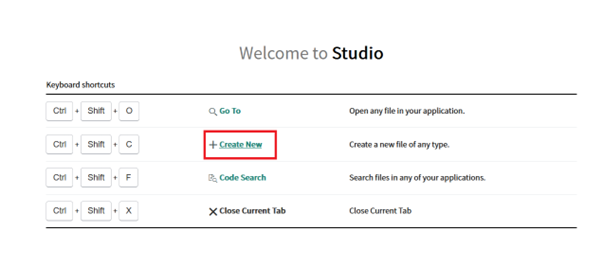
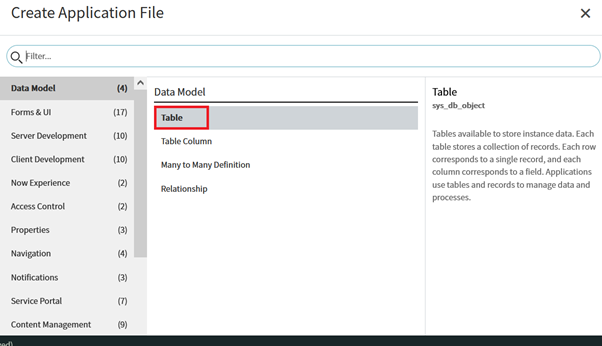
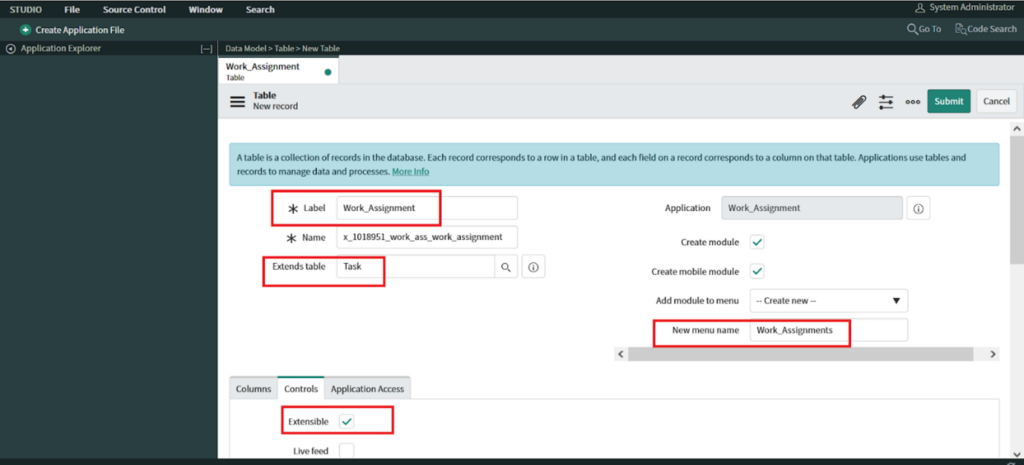
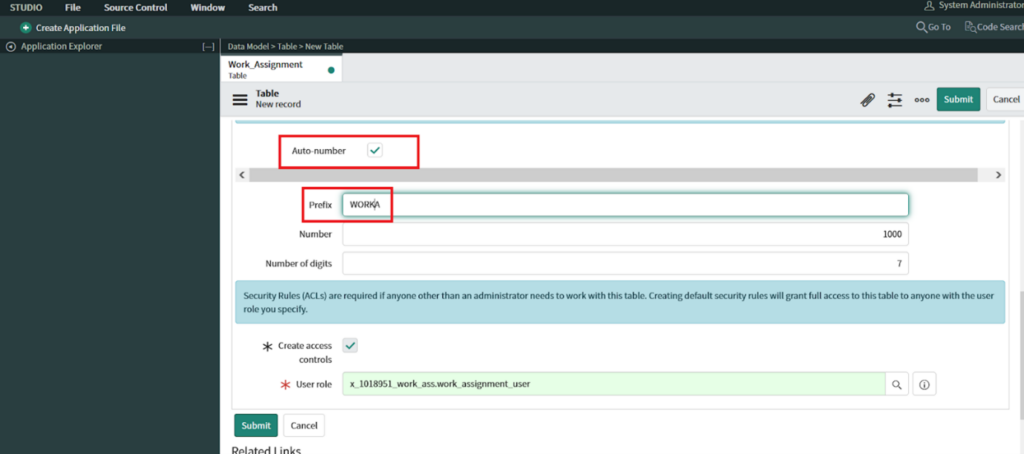
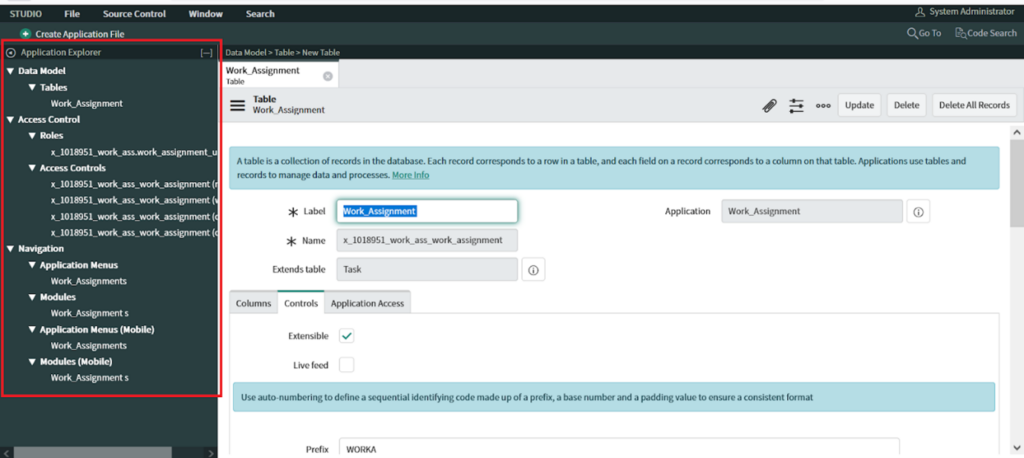
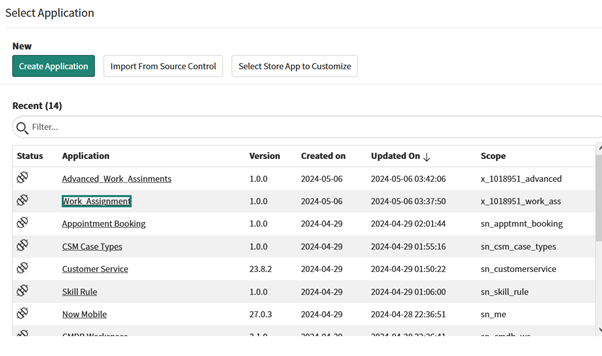
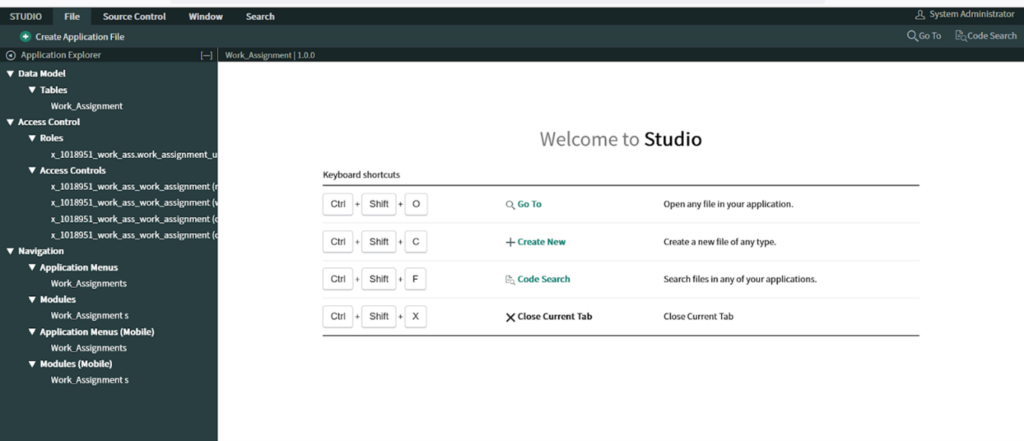
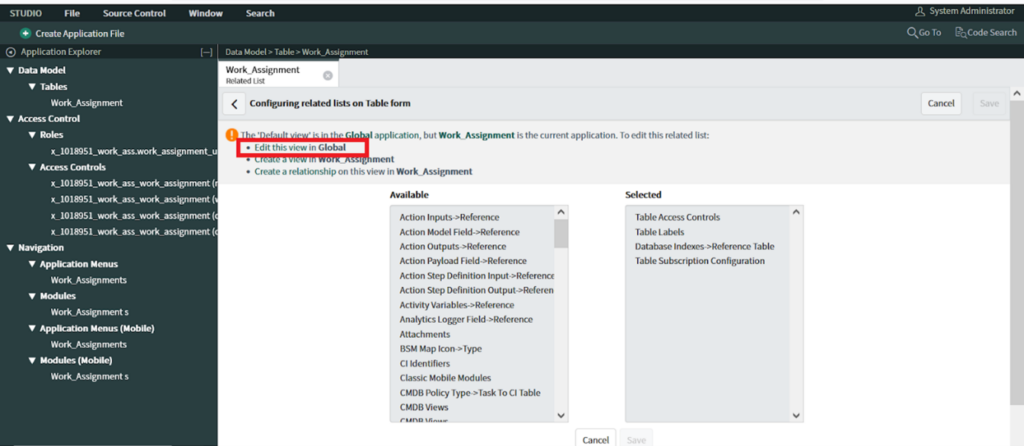
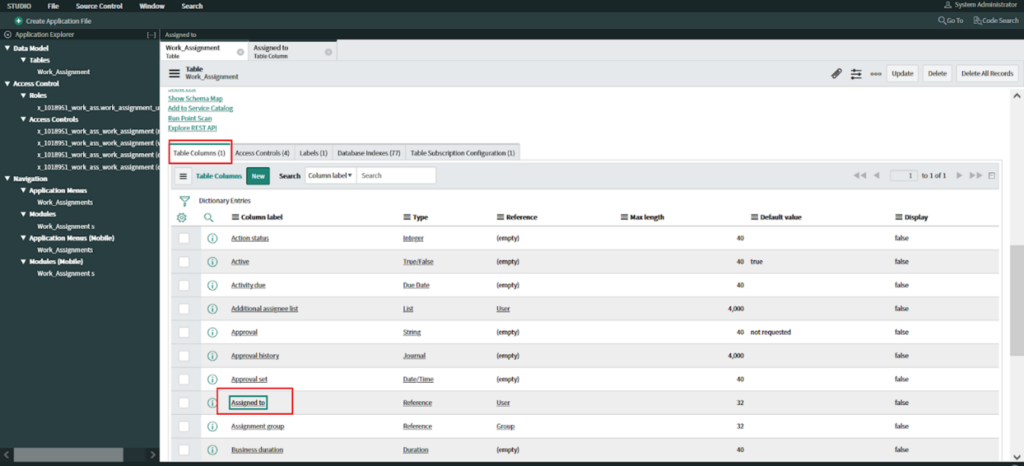
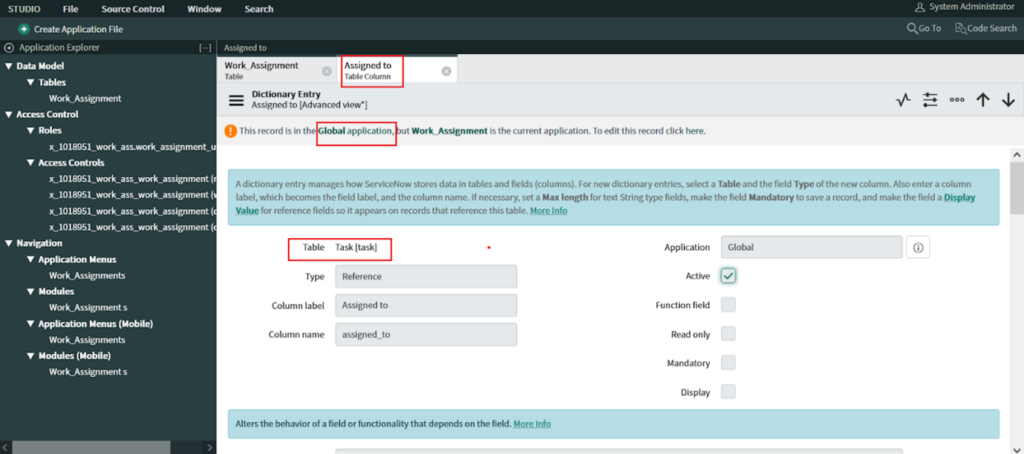
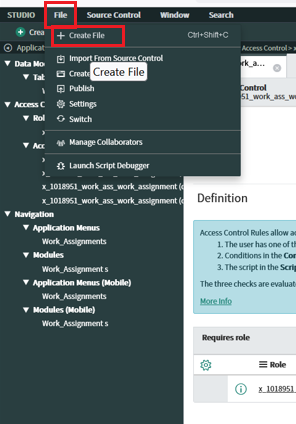
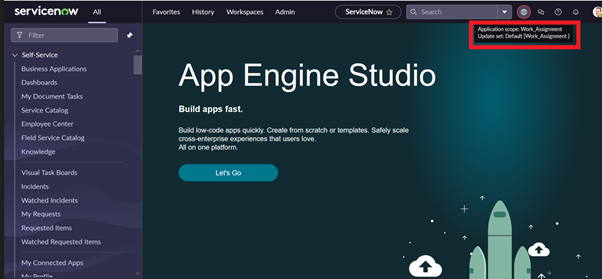
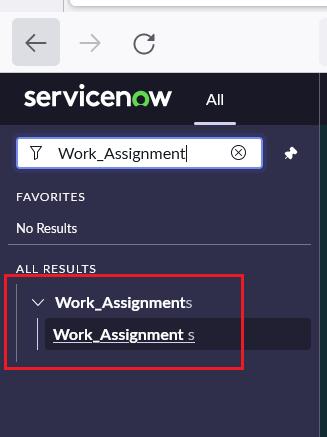
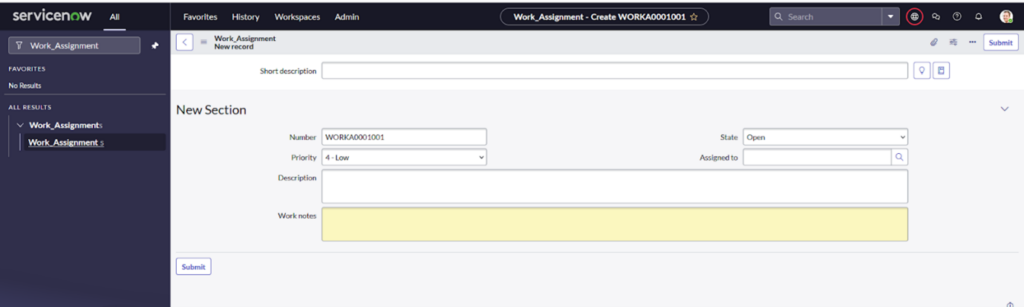
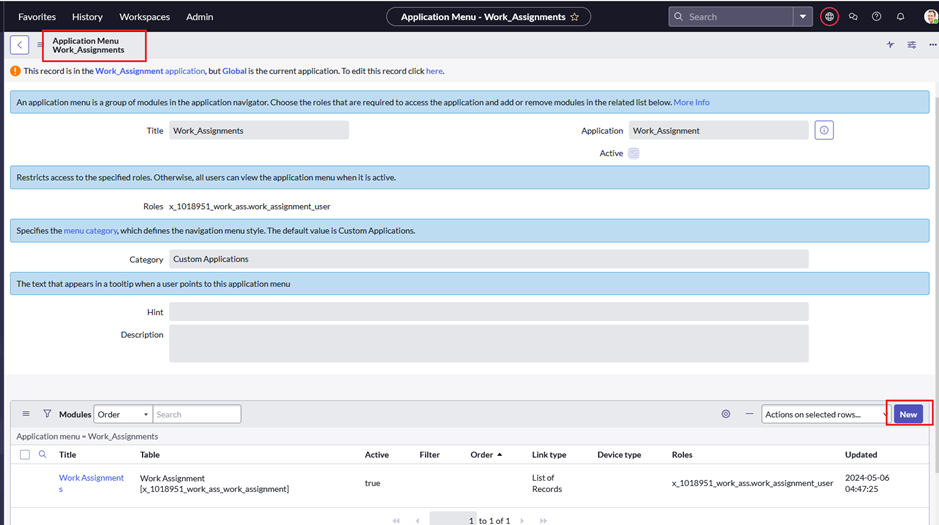
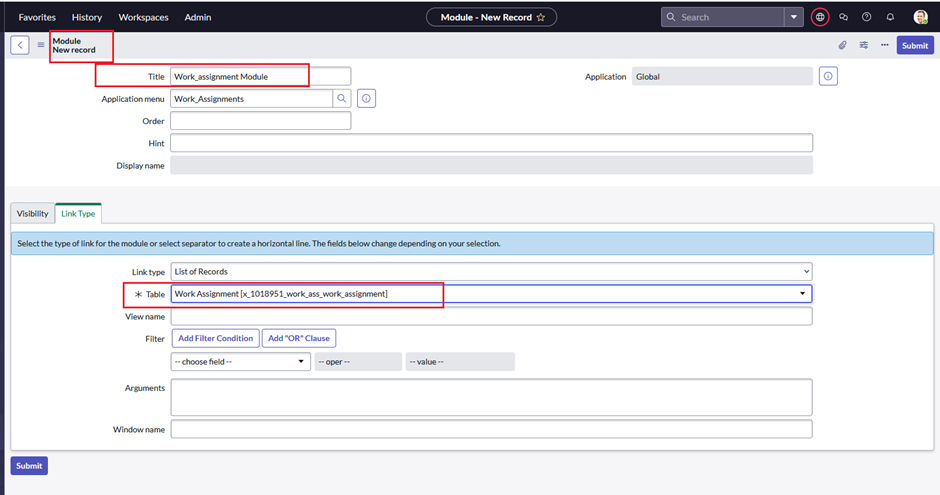
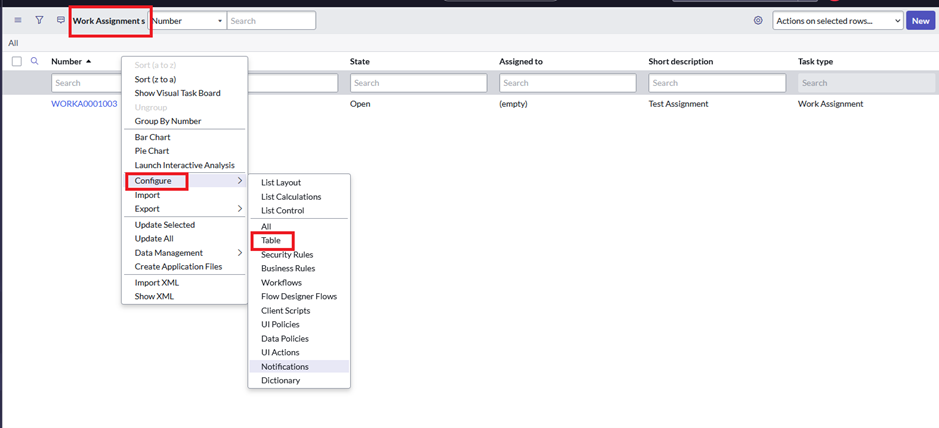
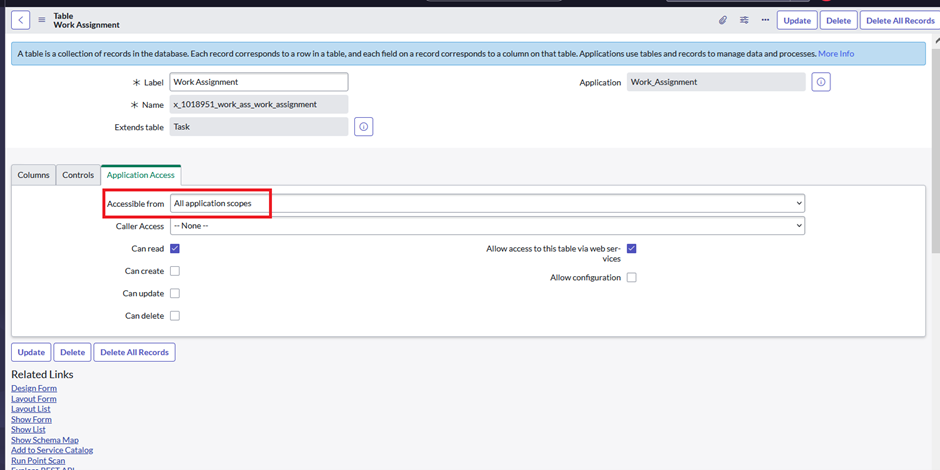
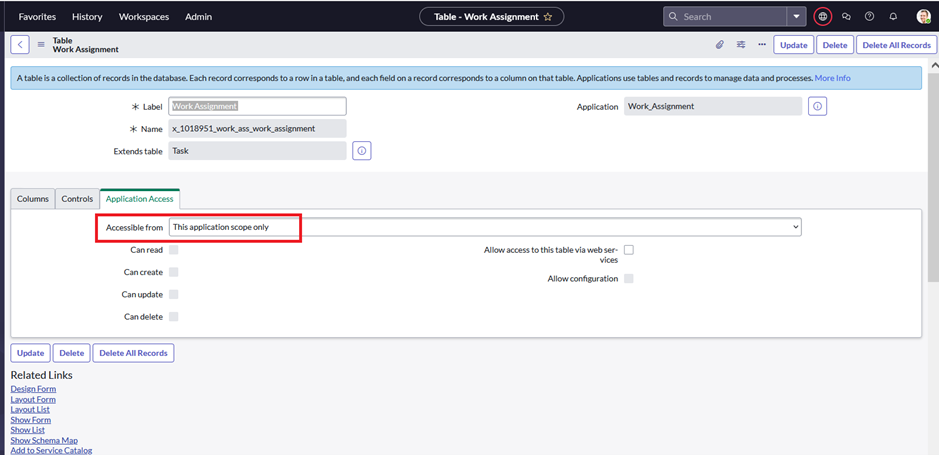
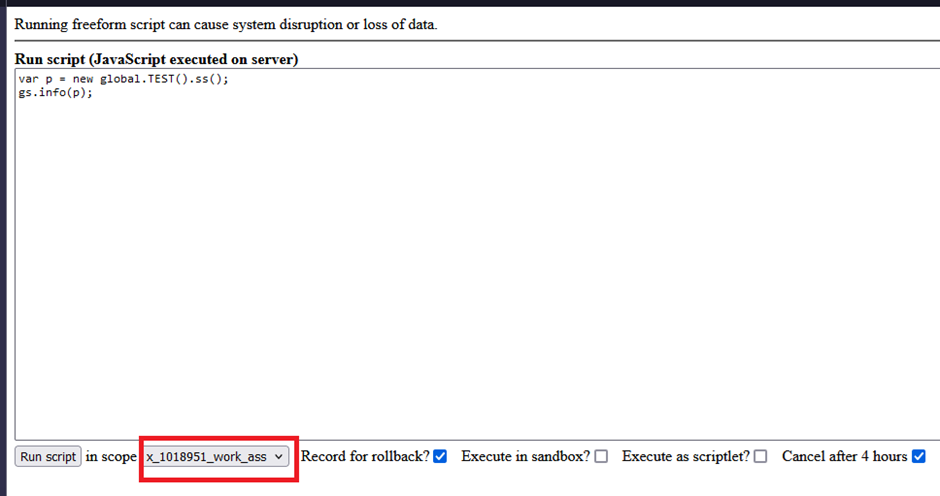
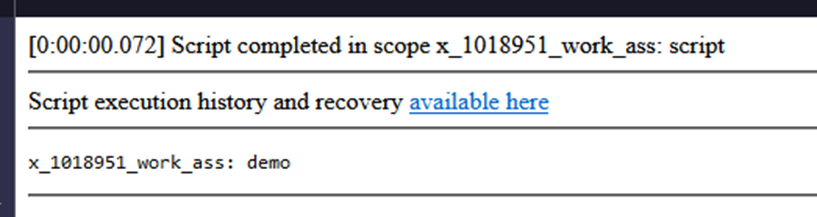
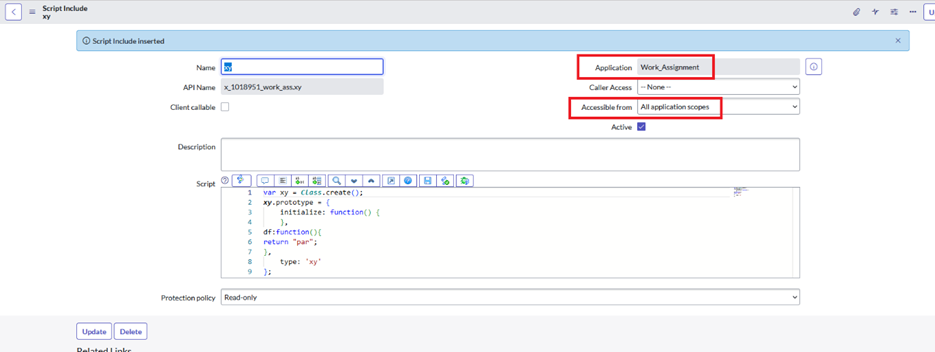
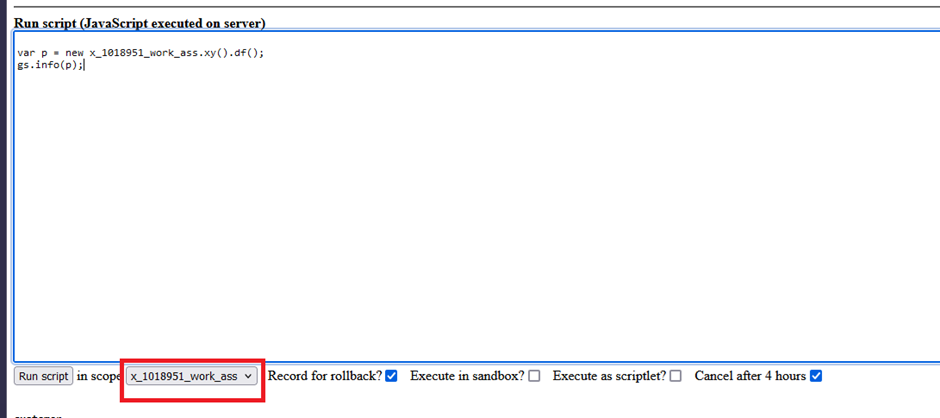
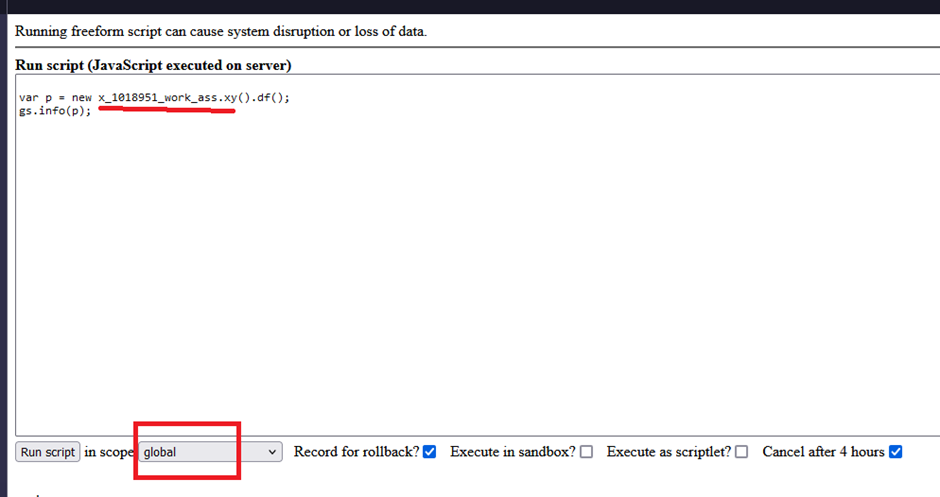
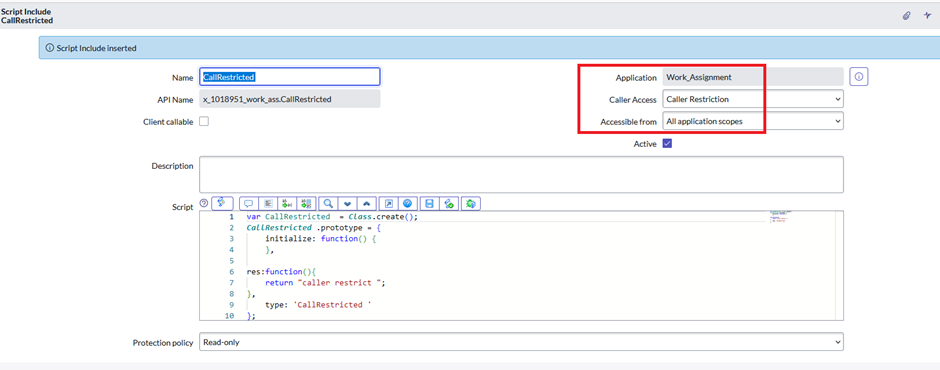
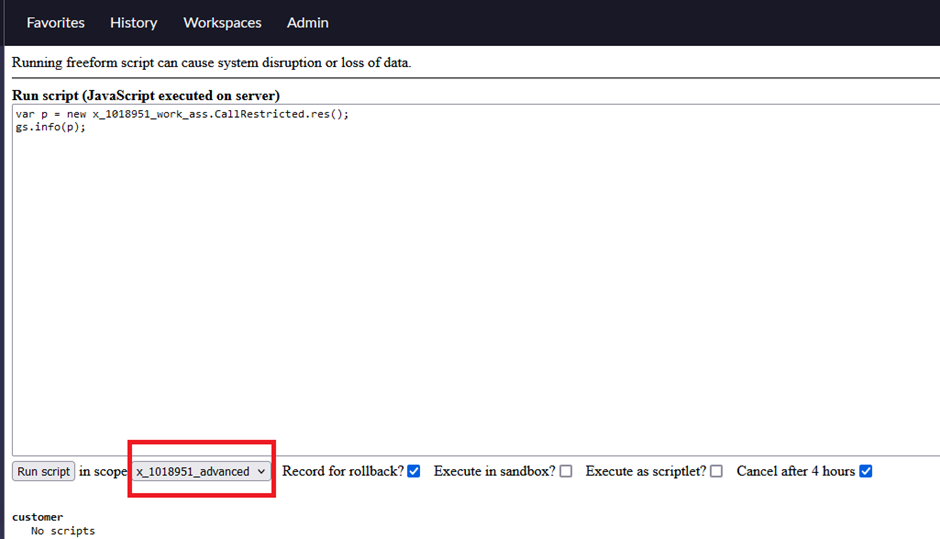
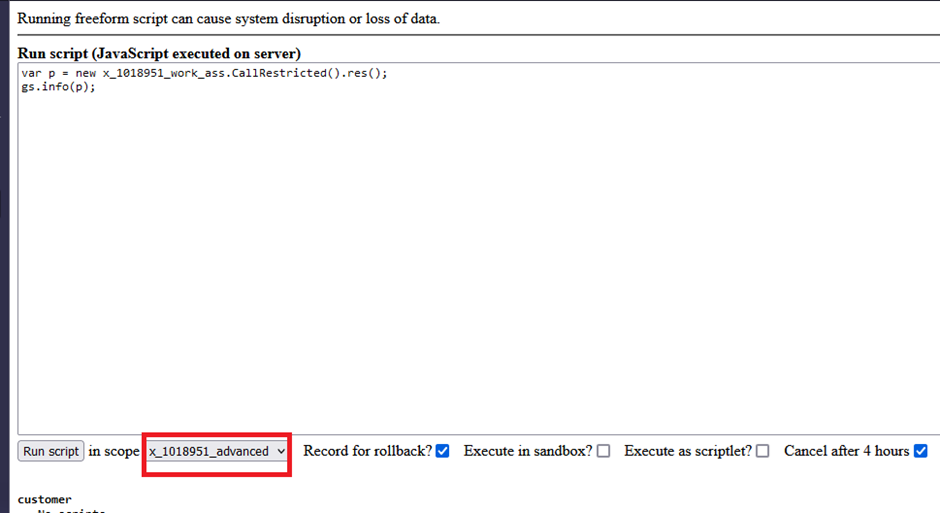
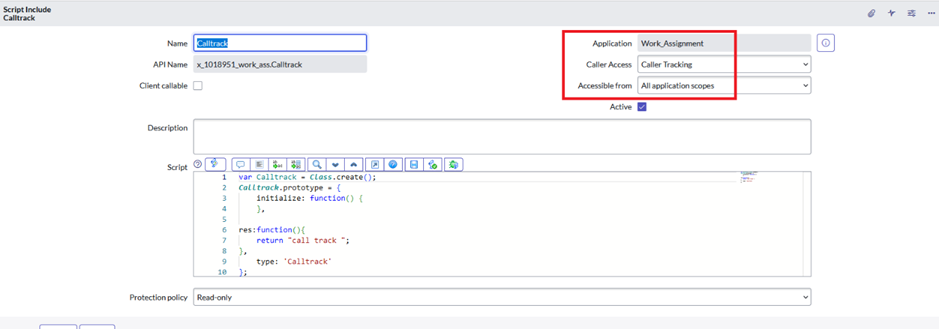
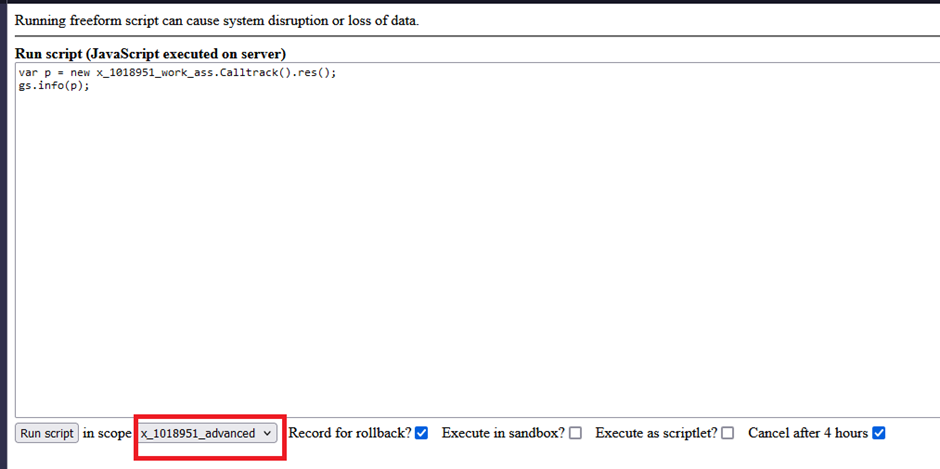
Scope is advanced work_assignment in background script
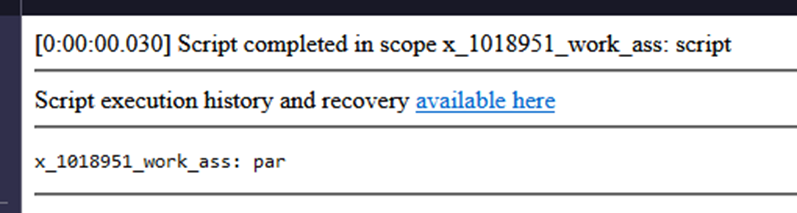
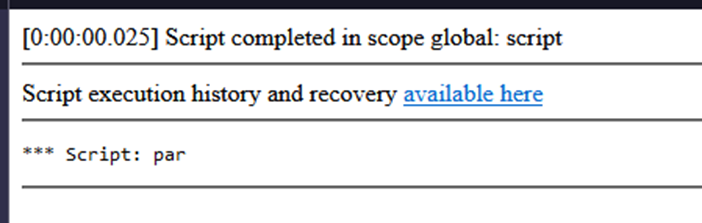
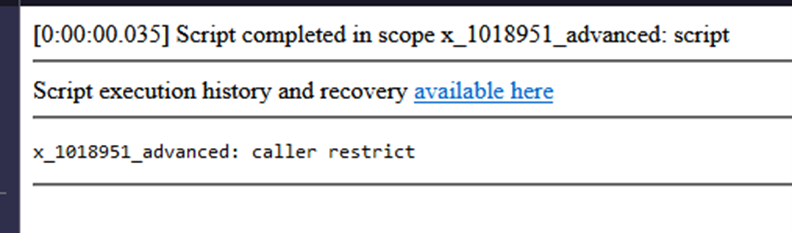
o/p
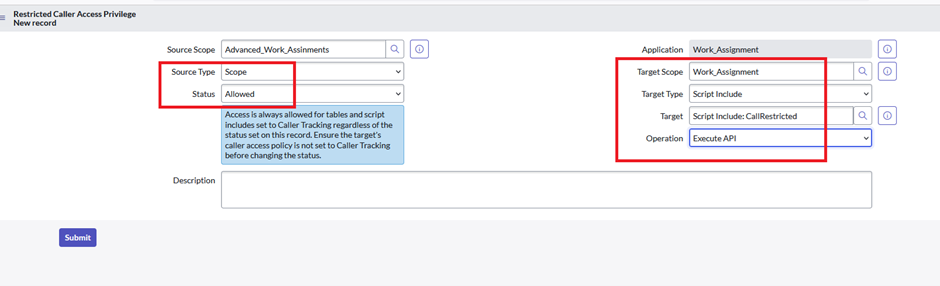
See the sys_scope_privilege.LIST
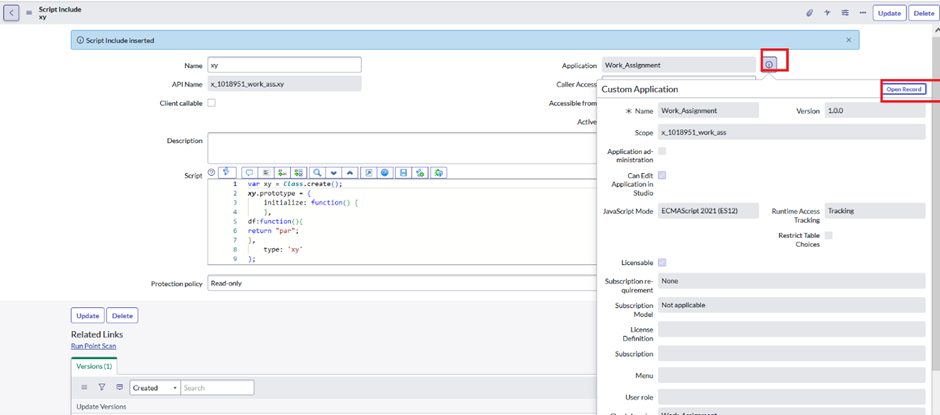
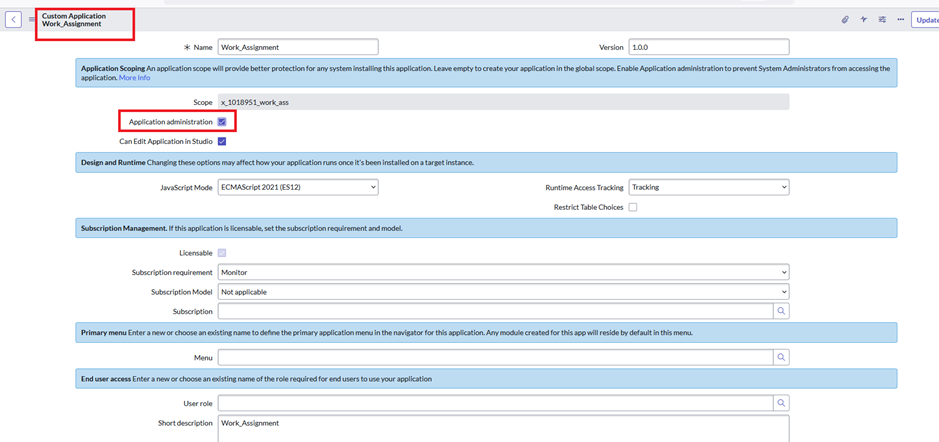
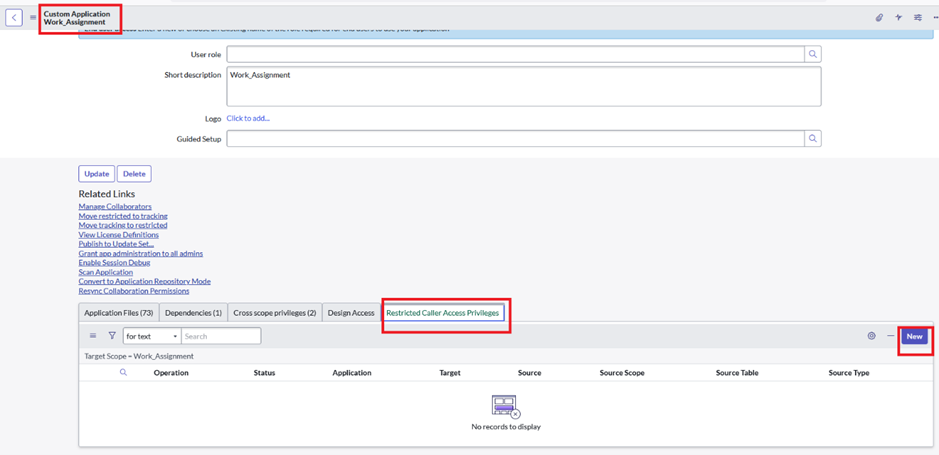
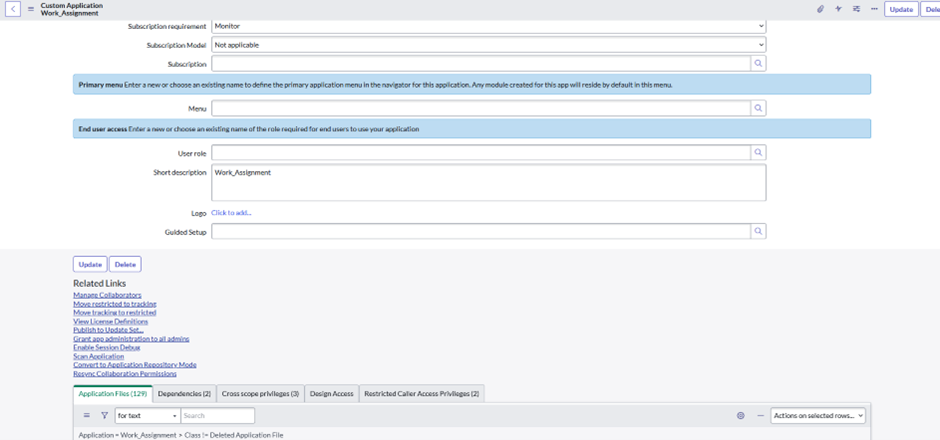
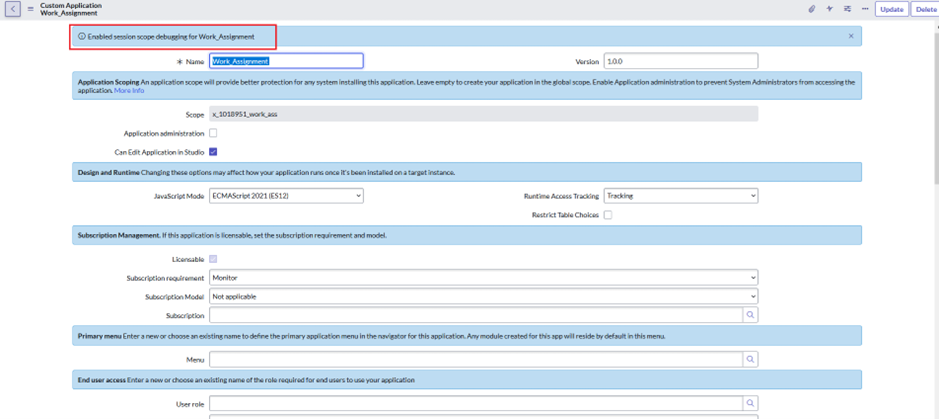
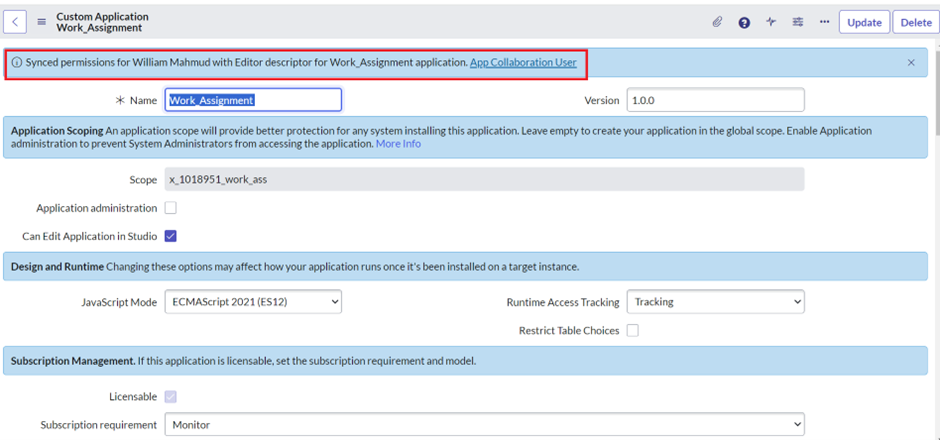
Custom Application Form fields
Custom Application Form fields
Field name
Type
Description
Name
String
The display field for the package
Version
String
Identifies the latest version of the package in dot decimal notation
Scope
String Read only
Identifies unique application scope
[x_companyCode_shortAppID]
See properties
Glide.appcreator.company.code
Application administration
Boolean
When checked system administration will be preventing from accessing the application
Can Edit Application in Studio
Boolean
Allow user to edit application file in studio
Run time access tracking
Choice
a. Tracking log-access the system and allows script to execute
b.Enforcing log – access the request but required administration authorization before script executation proceed
Script interaction with other application is controlled by the system runtime access system
Use Runtime Access Tracking to manage script access to resources from other applications
Restrict Table Choices
Boolean
Restrict design time access to table outside application scope
Licensable
Boolean
Licensable or not
Subscription requirement
Choice
a.Monitor
b.Required
Subscription requirement for usage of this package
Subscription model
Choices
a.NA
b.fulfiller /requestor
c.procedure
d.capacity
e.mixed
f.Application in use
Subscription model is defined here
Subscription
Reference
Refer to license_details
Menu
Reference
Refer to sys_app_application
This application primary menu where default table module will reside
User role
Reference
Refer to sys_user_role
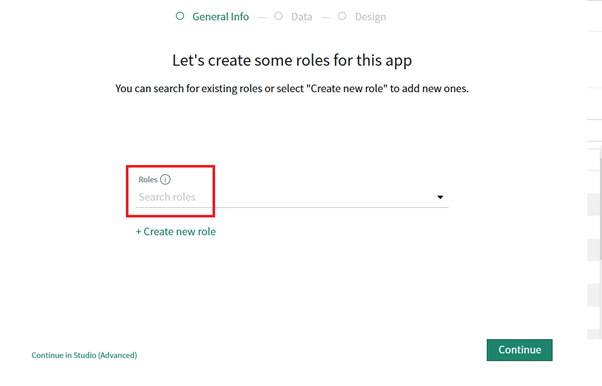
Role required for end user to access this application and its table
Short description
string
Short description for application
logo
User_image
Logo for application
Guided Setup
Reference
Refer to gsw_content
Guided Setup to start when to application is installed/upgraded
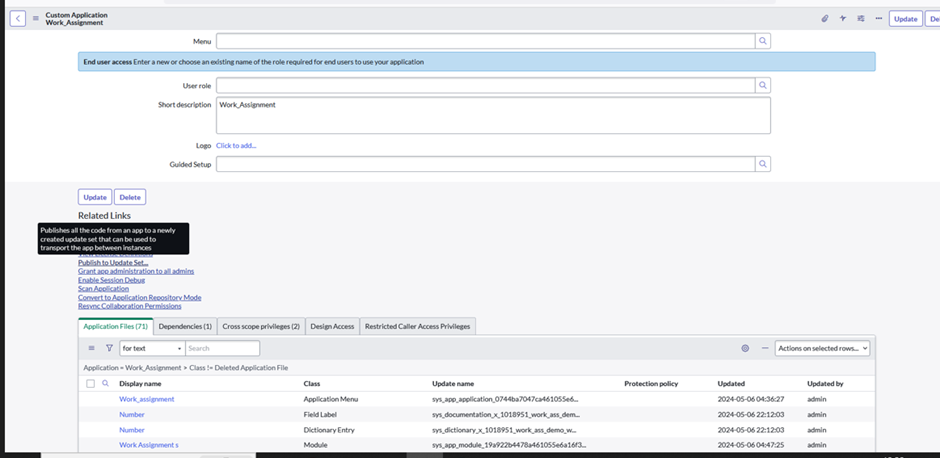
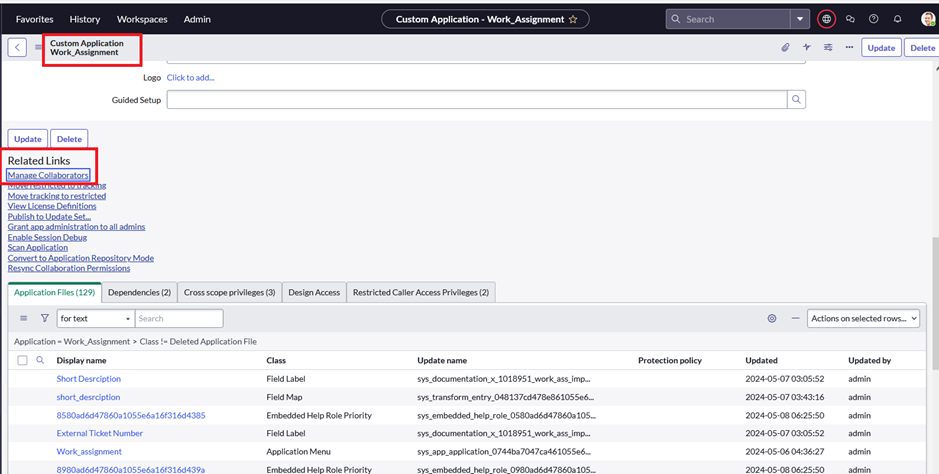
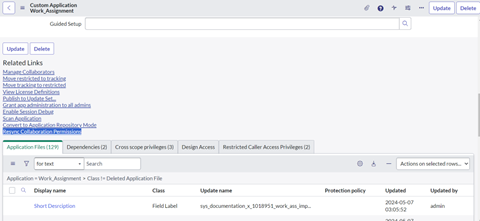
Related links
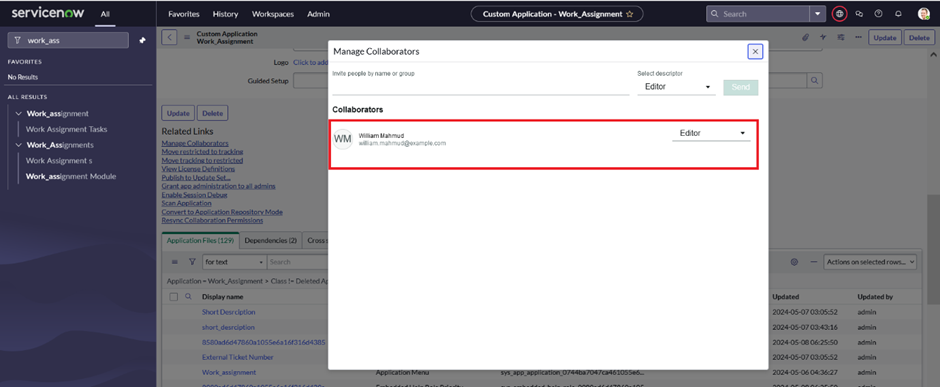
Manage Collaborators
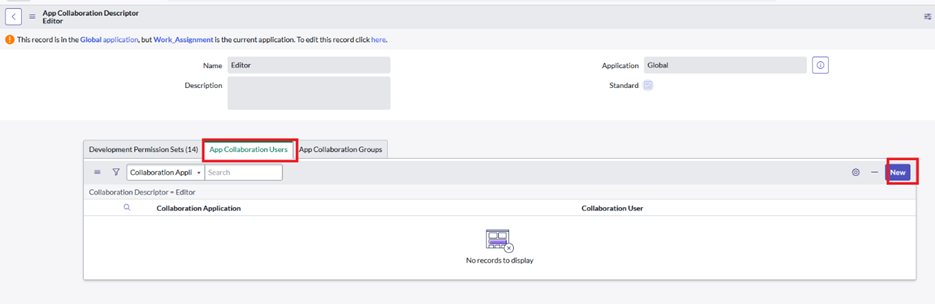
Collaboration descriptors let you assign, manage, and monitor permissions for each application or across multiple applications consistently
Collaborators -a person who works together with others for a special purpose
O/P
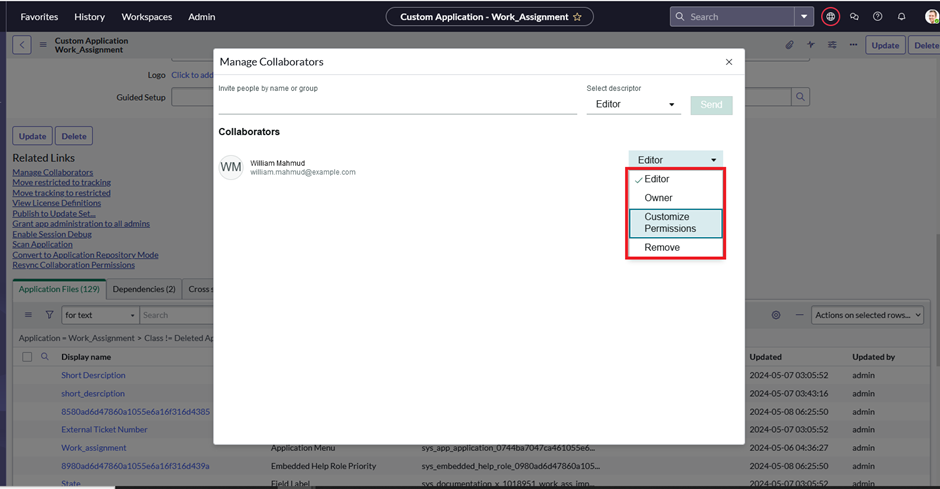
Related link -click on manage collaborator
See
See user can do following thing
Move restricted to tracking
It will simply just move Whatever configuration we have done on custom scoped application restricted to tracking
Move tracking to restricted
It will simply just move Whatever configuration we have done on custom scoped application tracking to restricted
View License Definitions
It will redirect to sys_app_license_defn_list
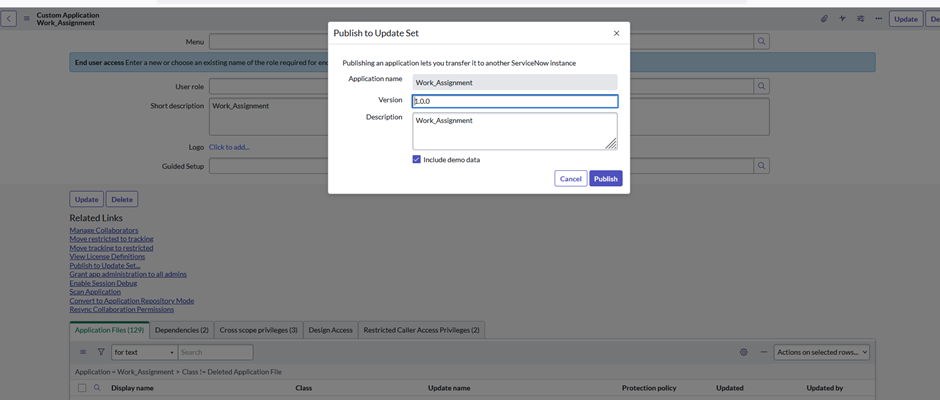
Publish to Update Set
Publishes all the code from an app to a newly created updated set that can be used to transfer the app between instance
Grant app administration to all admins
Grand a role that are required for the admins to be able to grand any of the applications role
Enable Session Debug
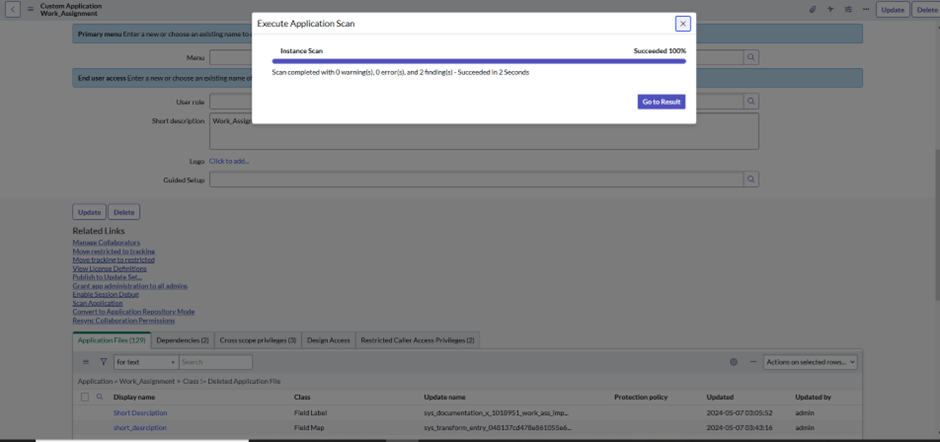
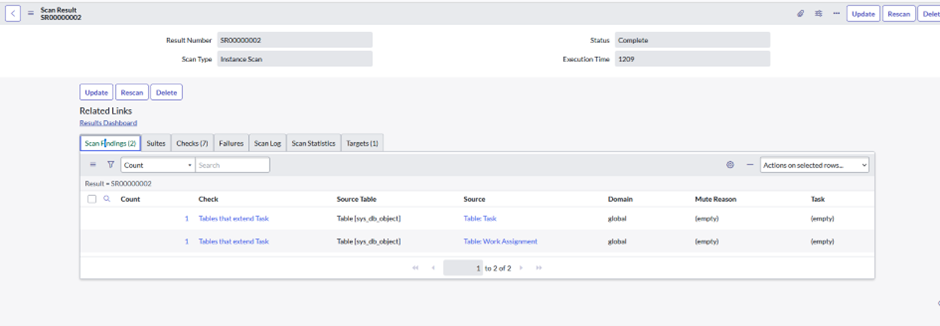
8.Scan Application
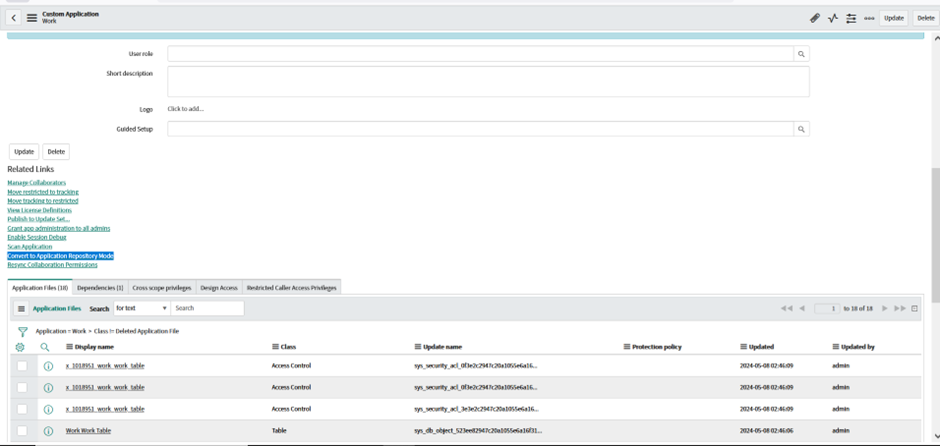
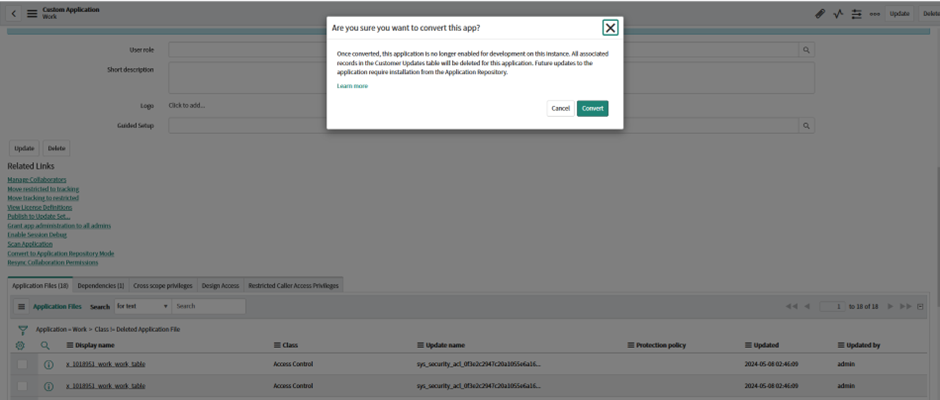
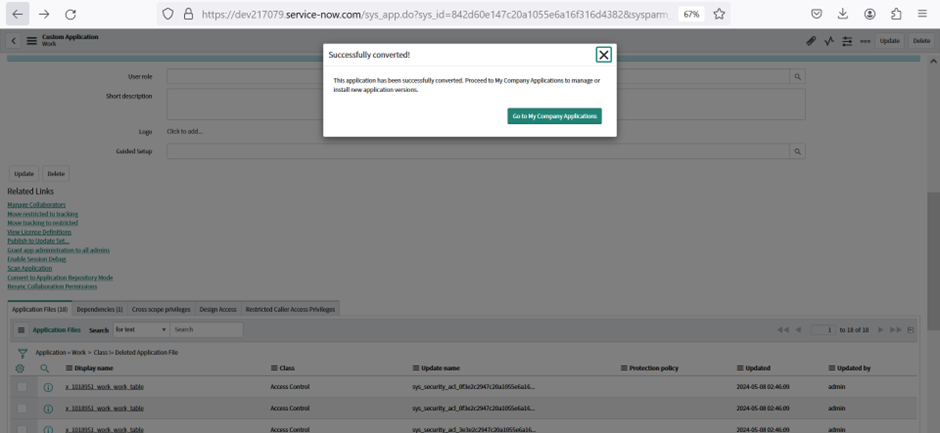
9.Convert to Application Repository Mode
When your applications are placed in the Custom Applications table [sys_app], you can’t upgrade them directly through the Application Repository. This procedure helps you do a one-time conversion when you want to migrate deploying your applications using the Application Repository.
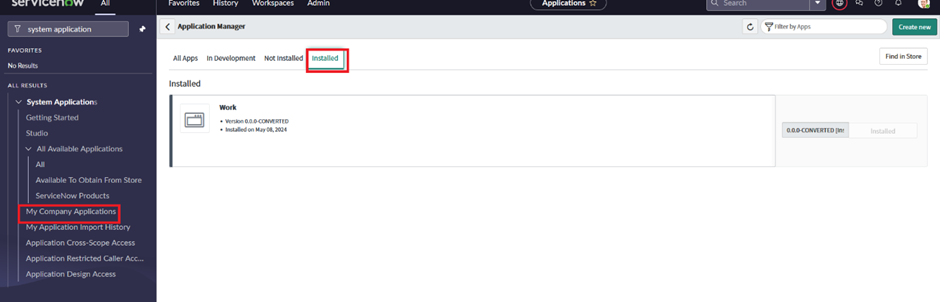
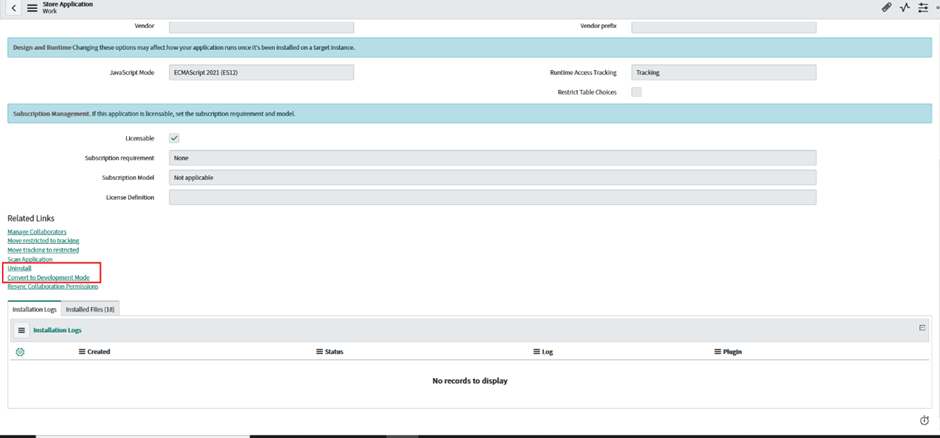
After you convert the application, it is no longer enabled for development on the instance where the conversion is performed. For a scoped custom application, all associated records in the Customer Updates table are deleted for this application.
After this see application
Resync Collaboration Permissions
Refresh delegated development permission for collaborators