LogiUpSkill

How to get ServiceNow Instance

Step 1 :  Go to ServiceNow Developer Site 

Open: 

https://developer.servicenow.com 

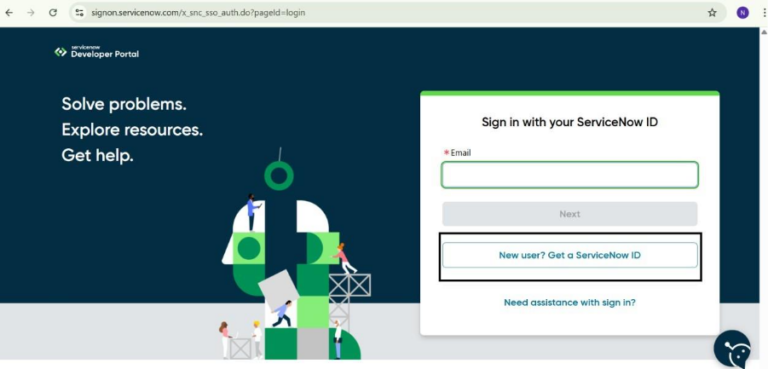
Visit Developer Portal : 

Step 2 : Sign Up  
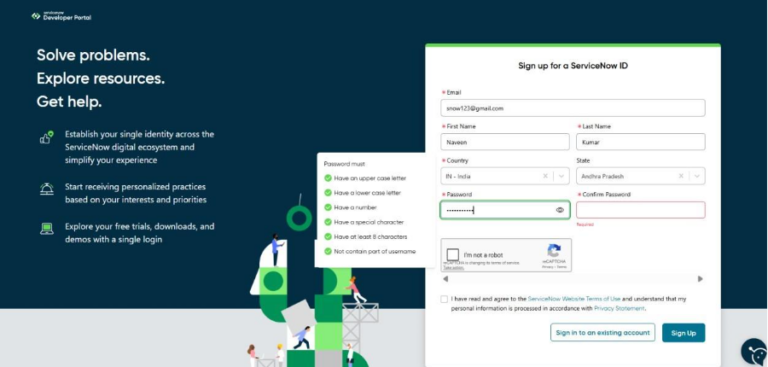
  • Click on Sign Up 
  • If you already have an account, click Log In 
  • Fill in the required details and submit the form.  

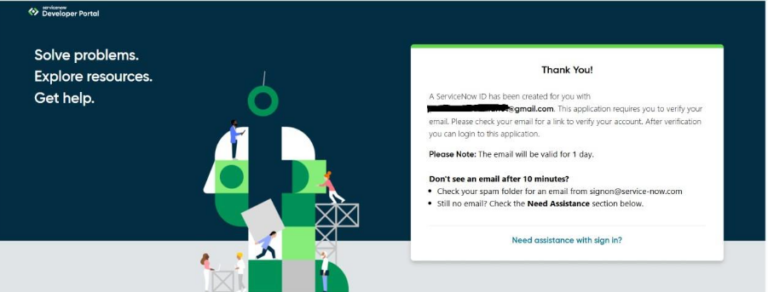
 After Sign Up you will receive a message as shown below  


Step 3 : Email Verification  
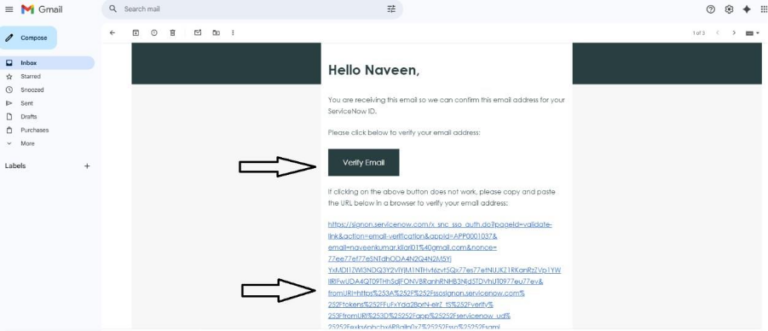
  • You will receive a verification email  
  • Click on the verification link  

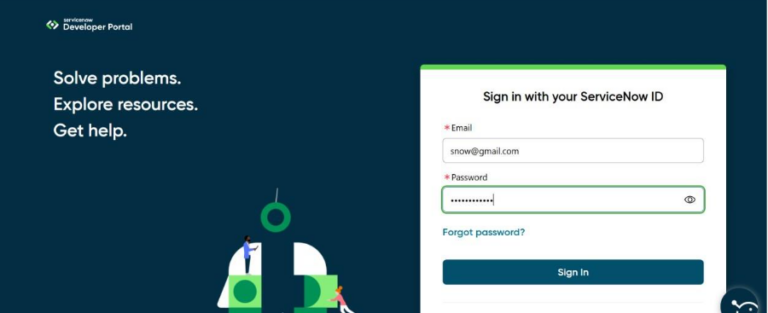
Once verified, click Login / Sign In  

Step 4 : Initial Setup After Login  

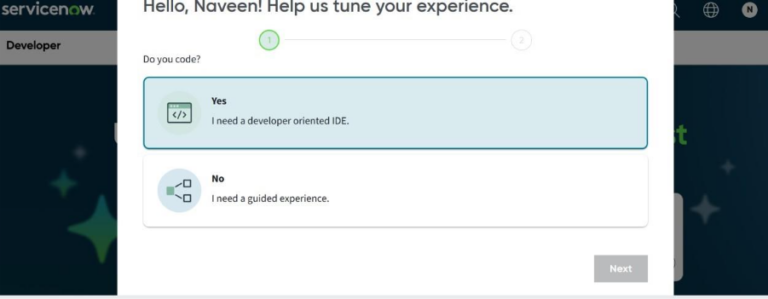
During login, you will be asked a few setup questions:  

  • Select “Yes – I need a developer-oriented IDE” to access developer tools.  
  • Click Next 
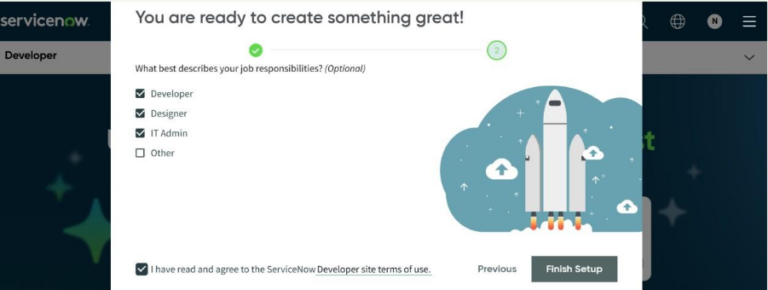
  • Choose the relevant options (you may also select Other)  
  • Accept the terms by checking the checkbox  
  • Click Finish Setup 
How to get ServiceNow Instance