Custom Scoped Application
Overview
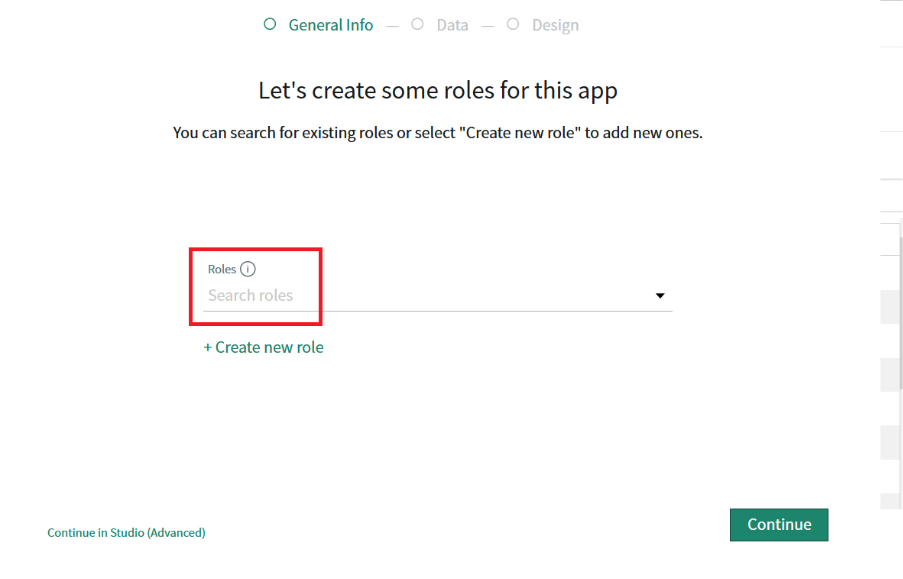
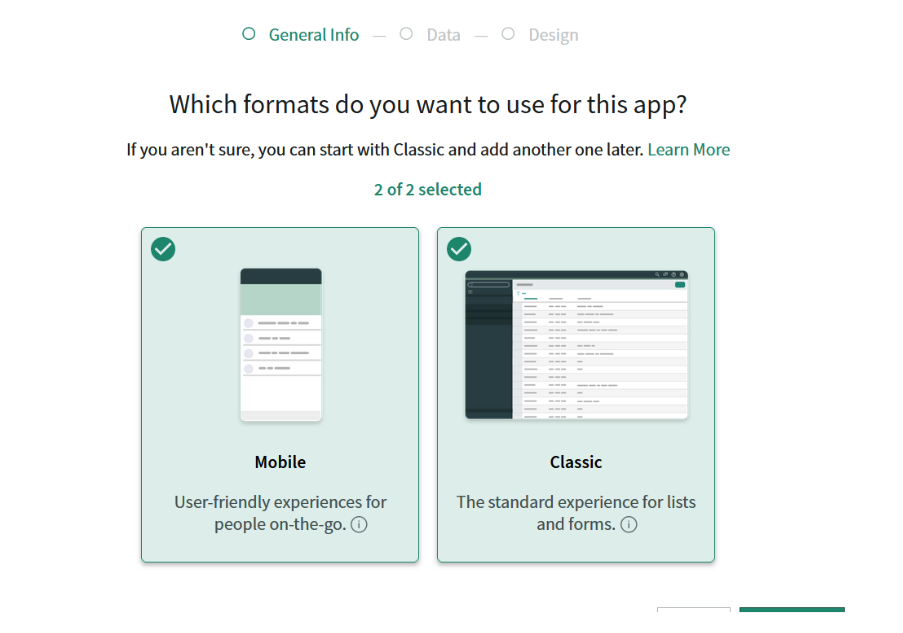
Application scoping protects applications by identifying and restricting access to application files and data. This document walks through the key operations for creating and managing custom scoped applications in ServiceNow.
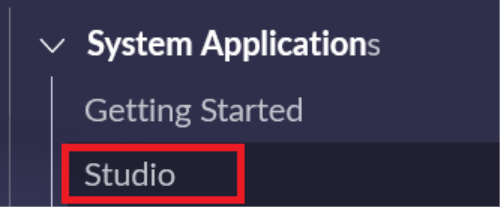
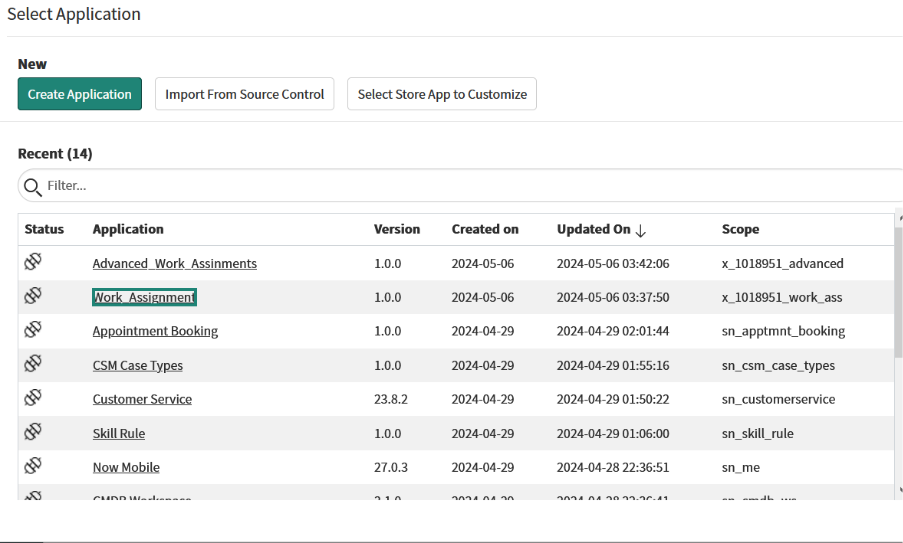
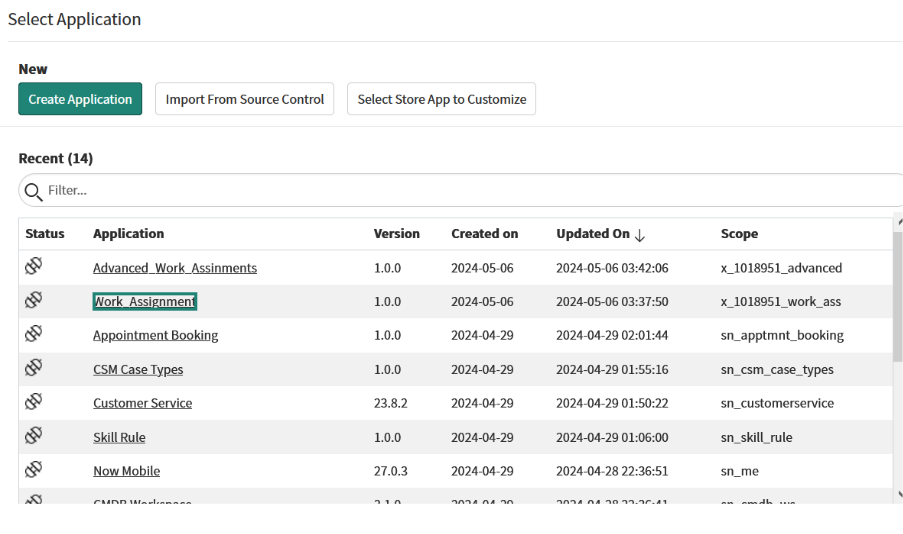
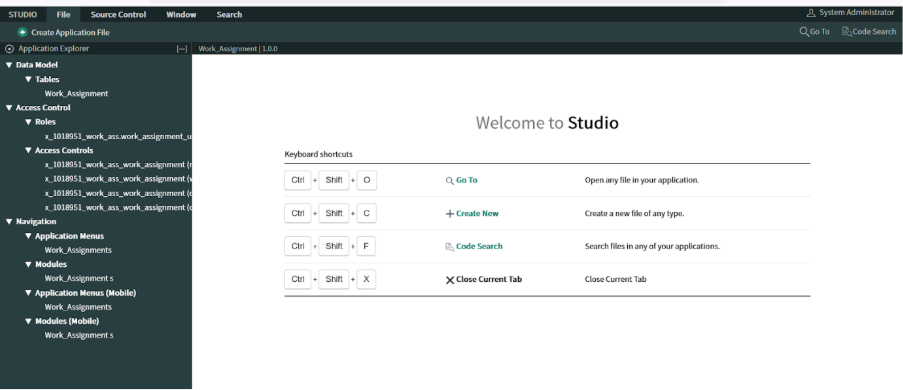
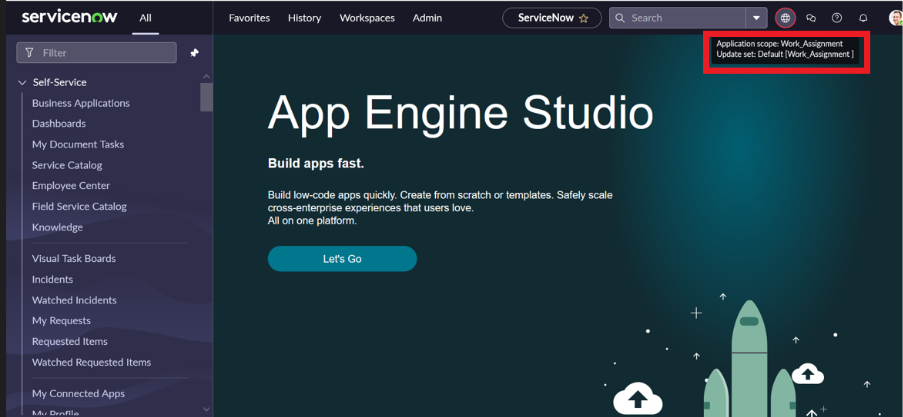
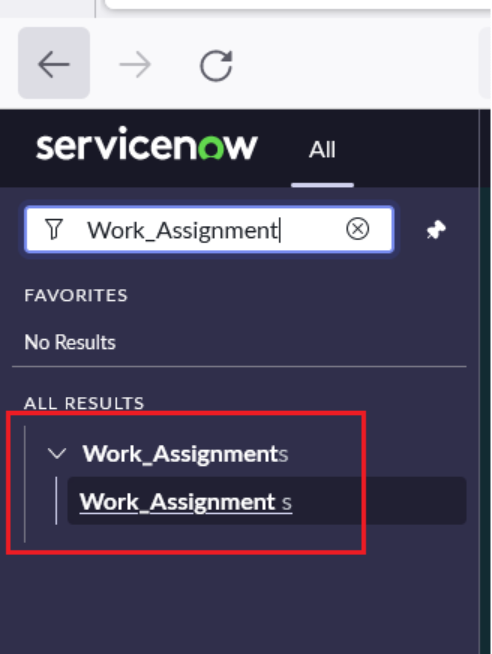
- Navigate and search for in ServiceNow Studio
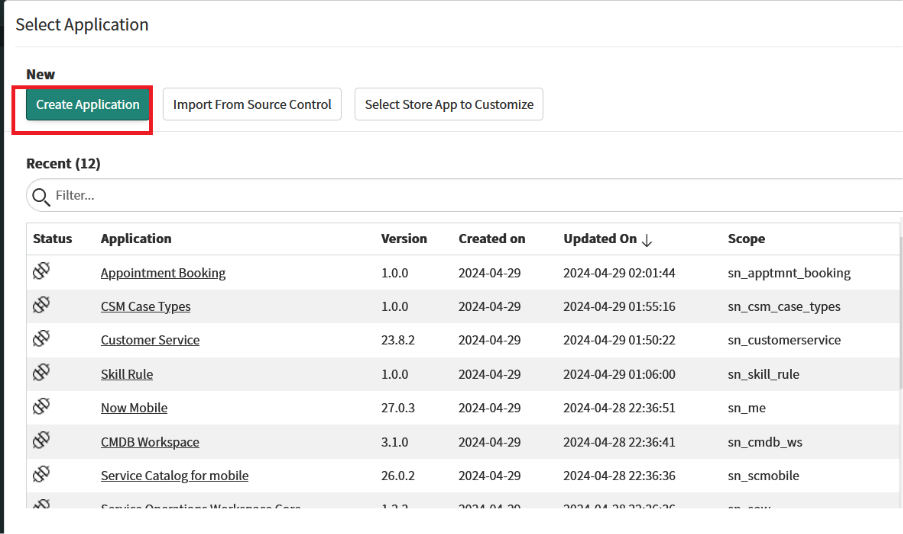
- Click on Create Application UI action.
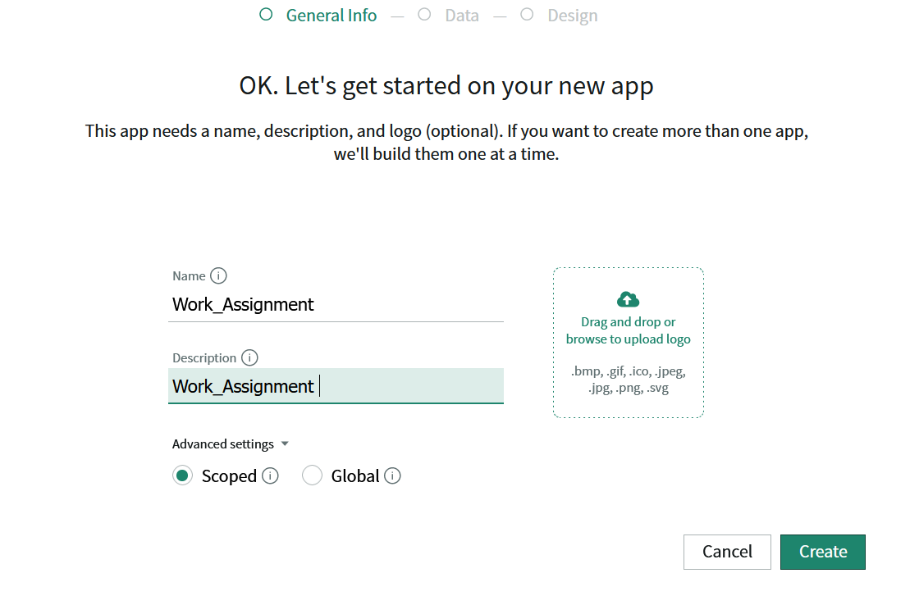
- Provide Name and in the advanced setting select scoped.
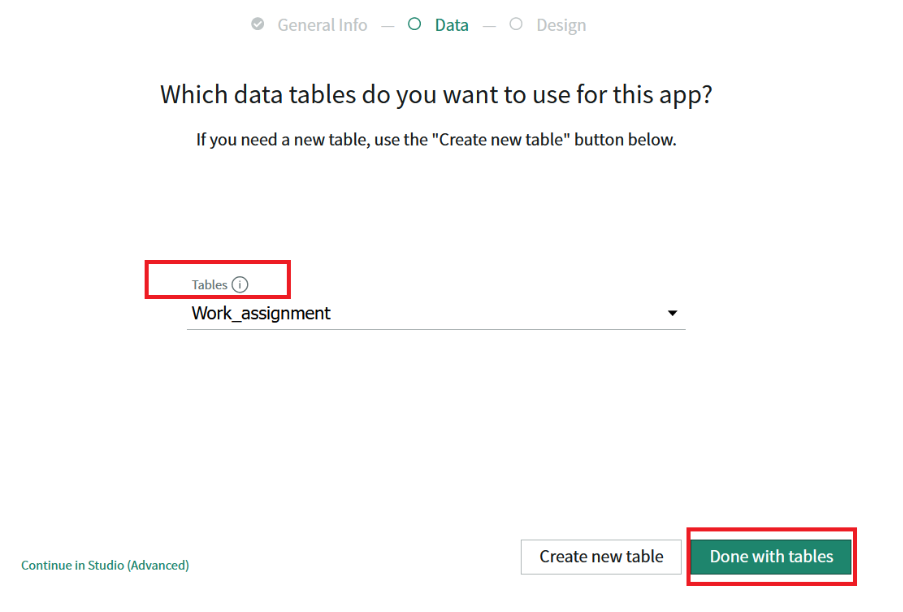
- Another way click on CREATE NEW TABLE
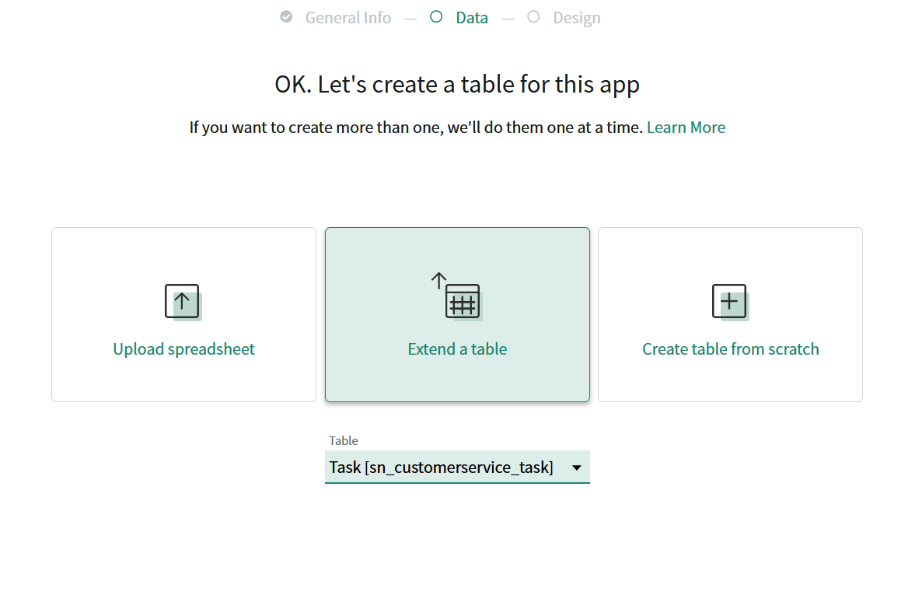
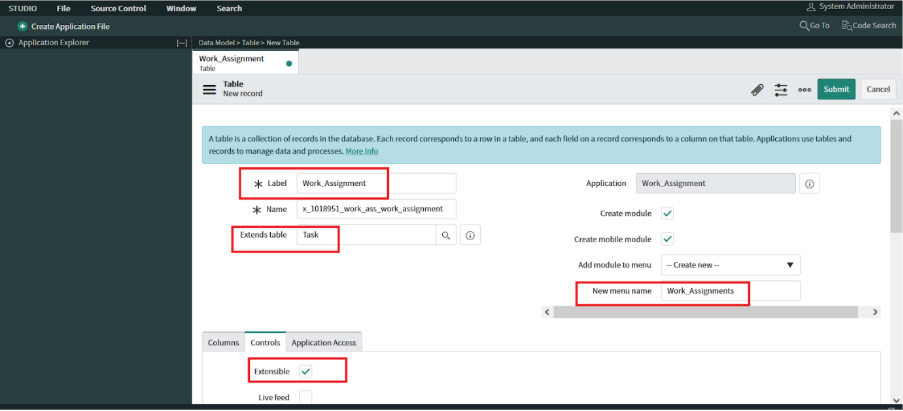
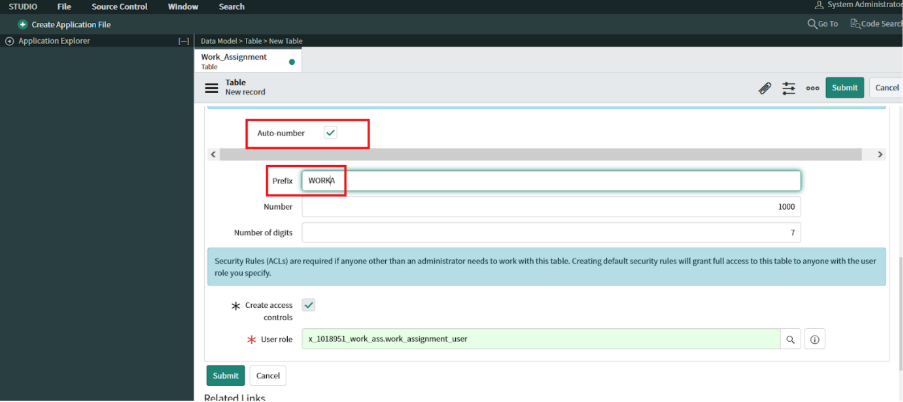
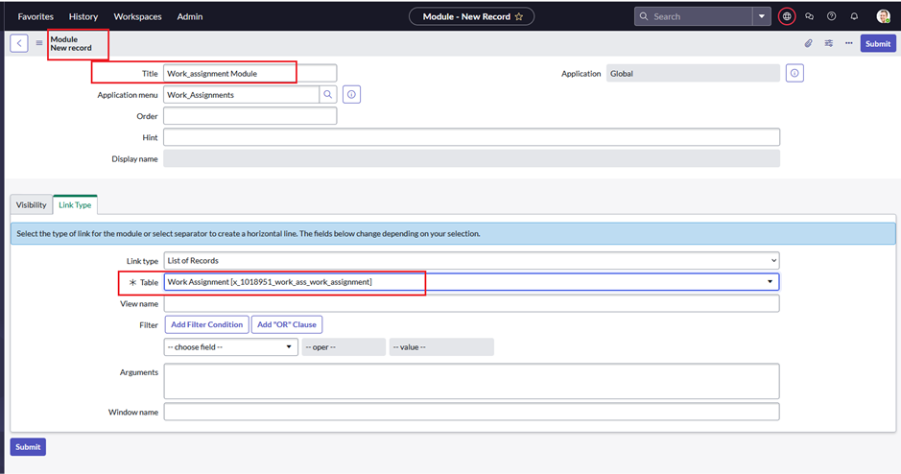
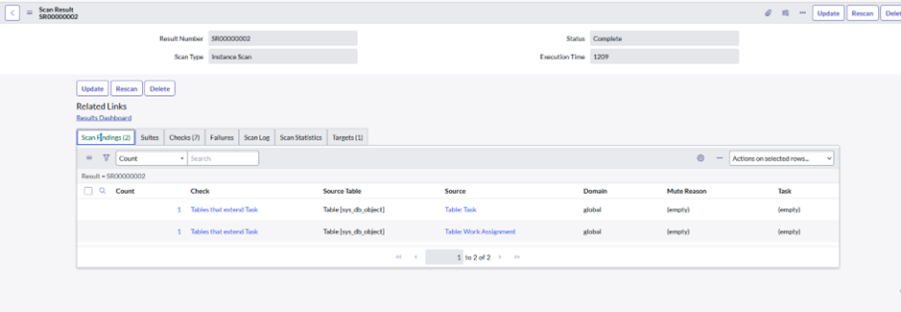
- We can create new table which is extended from task
If we select from list we can create the table from here
- Another way click on CREATE NEW TABLE
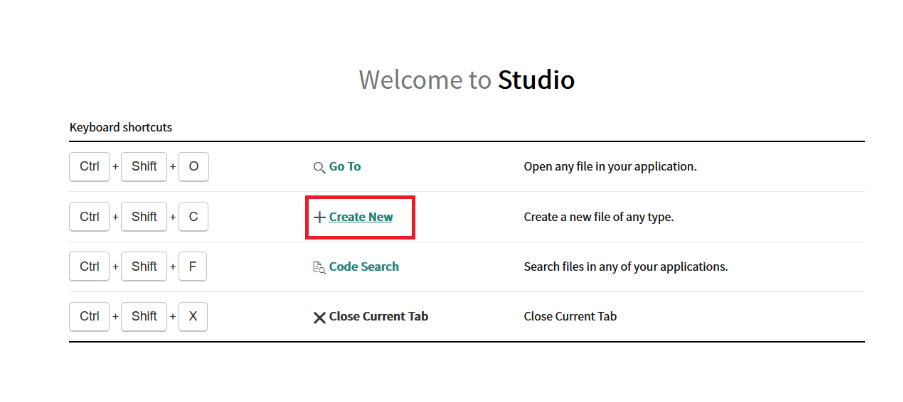
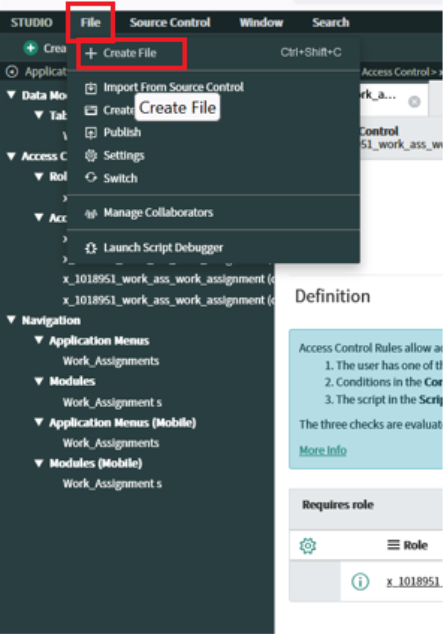
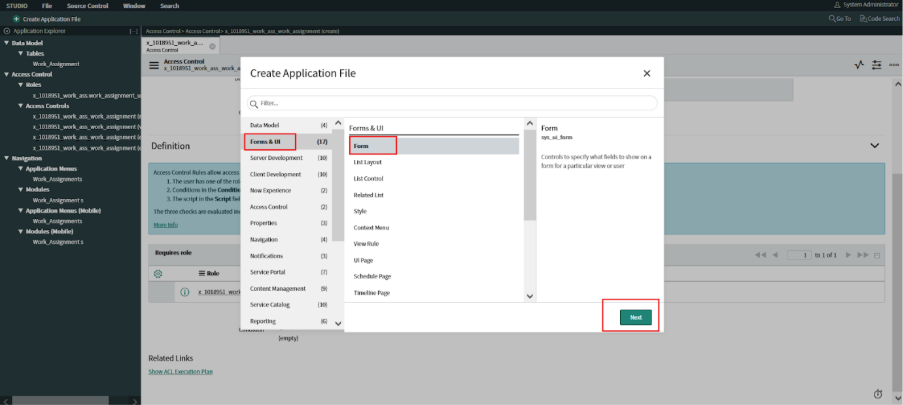
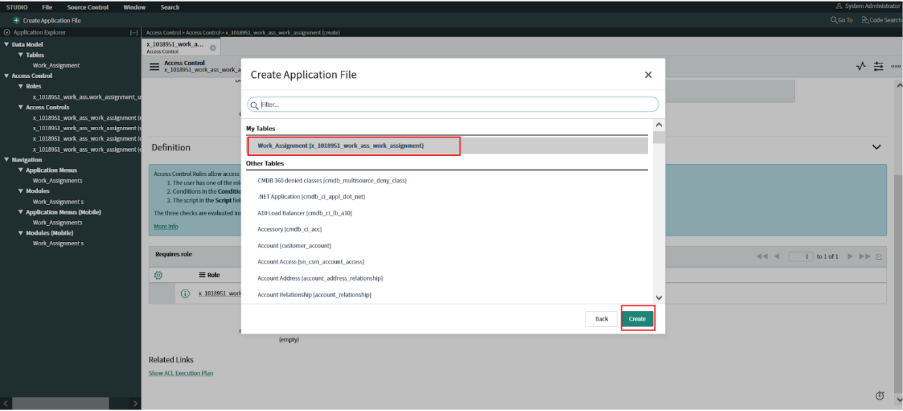
- Navigate to studio and click on create new.
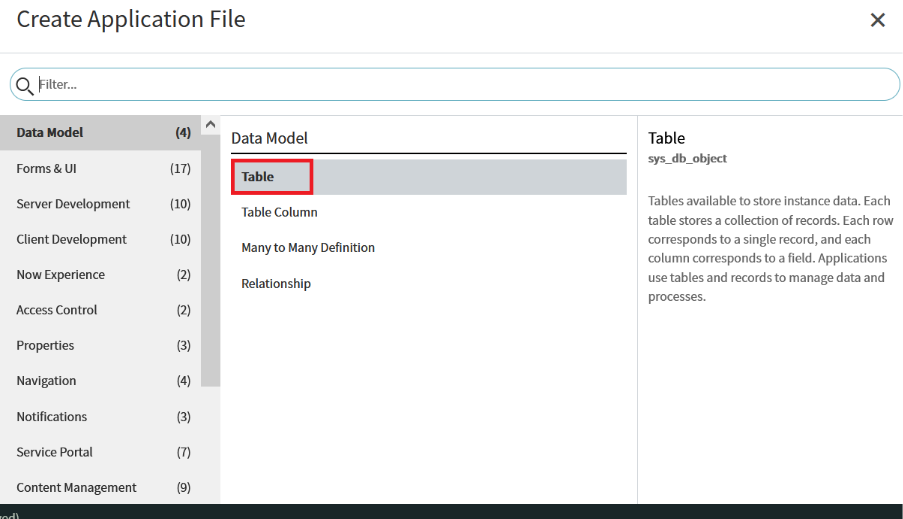
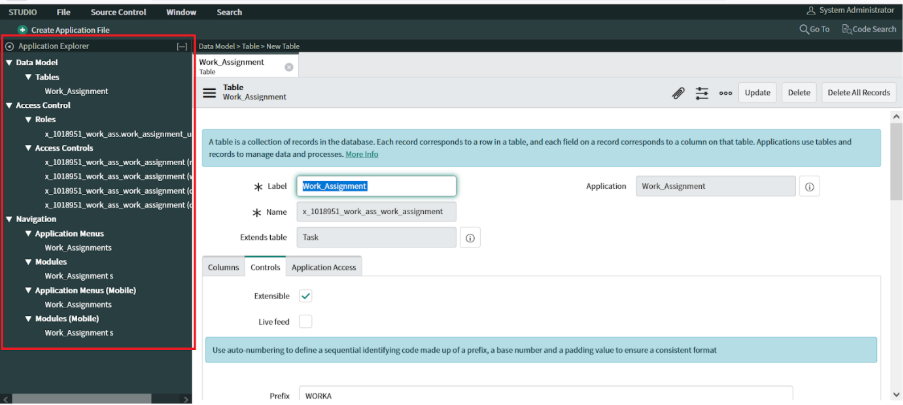
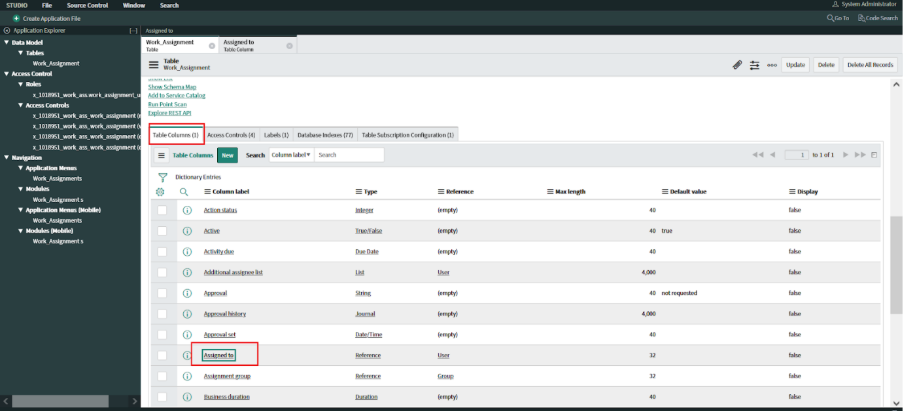
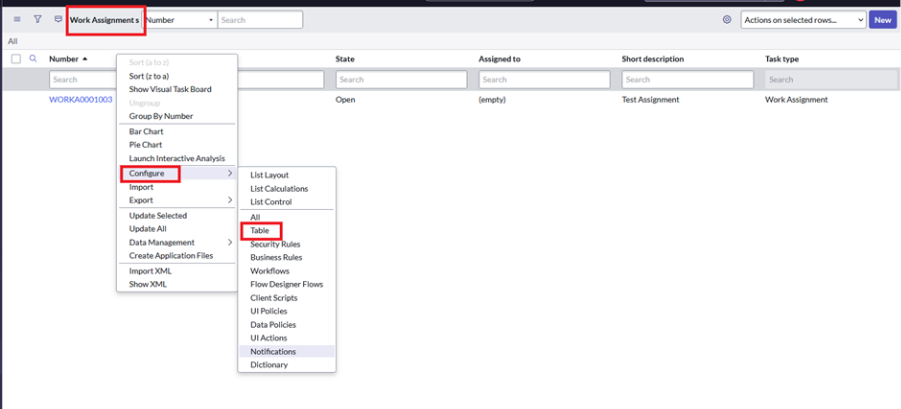
Select table from the data model.
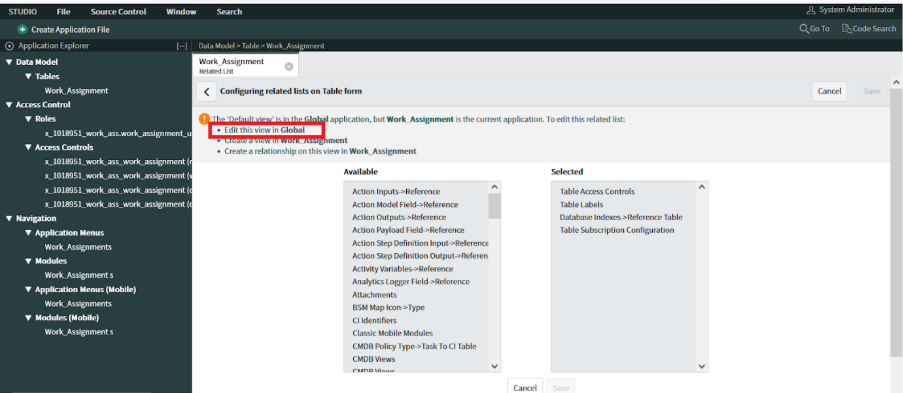
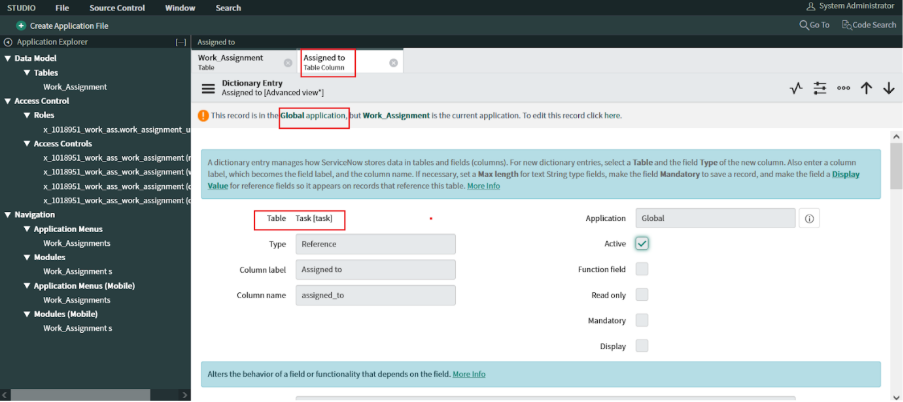
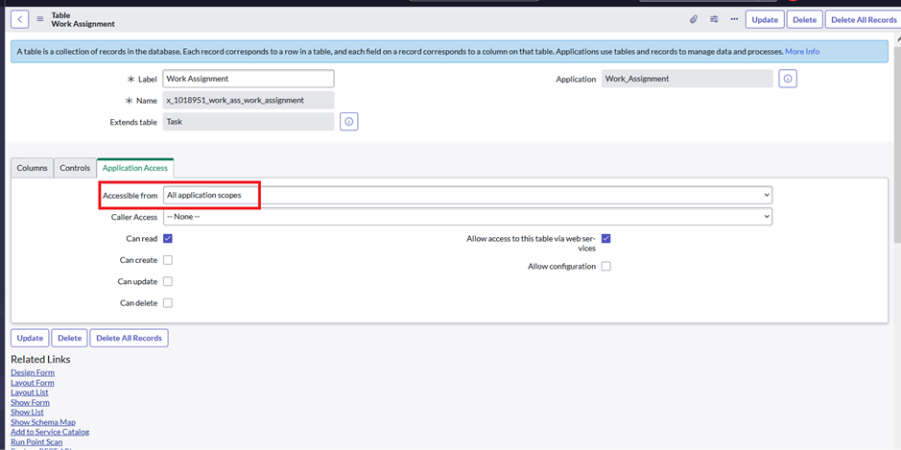
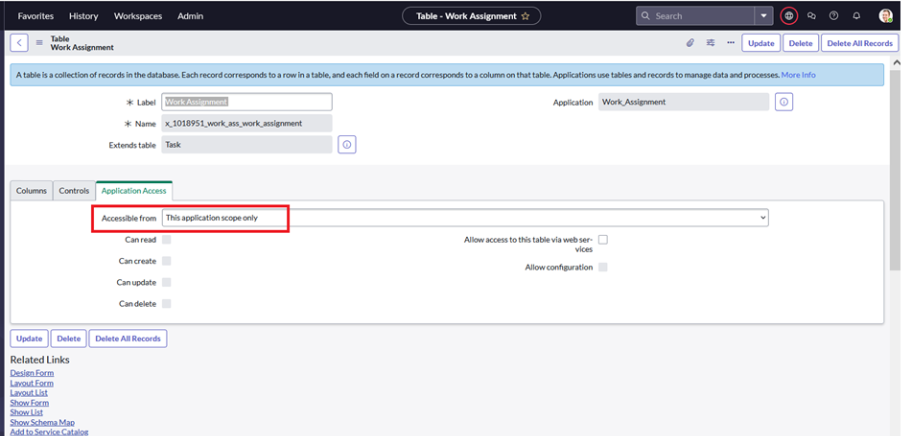
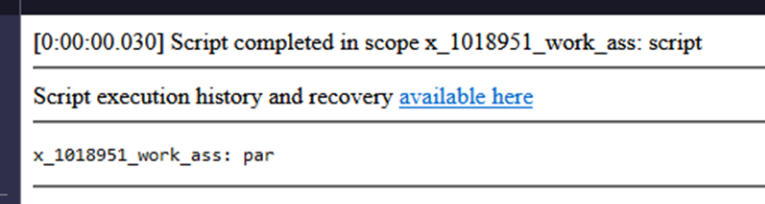
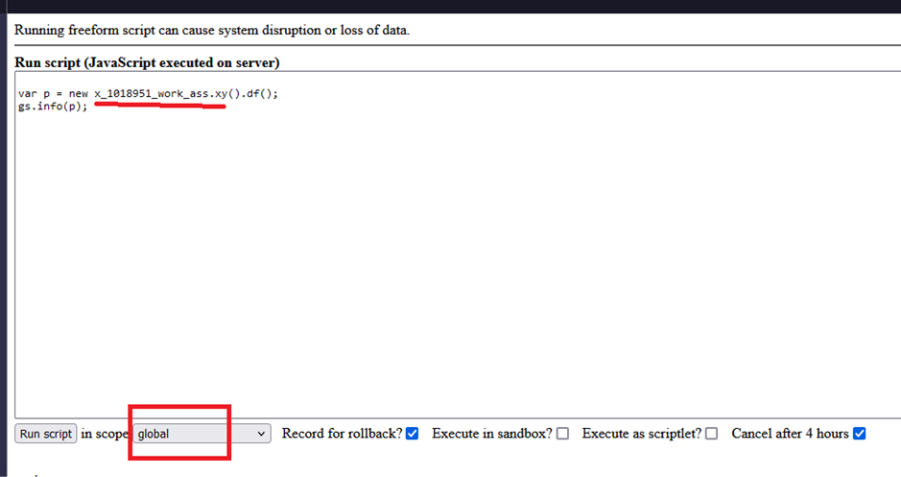
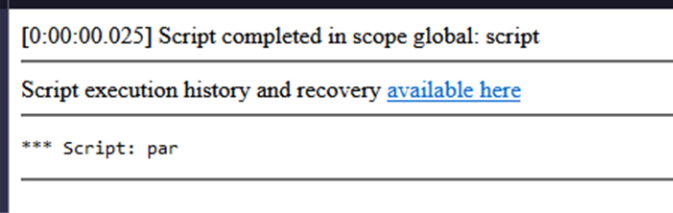
- Since table extended from task so it is always we need to edit in GLOBAL scope
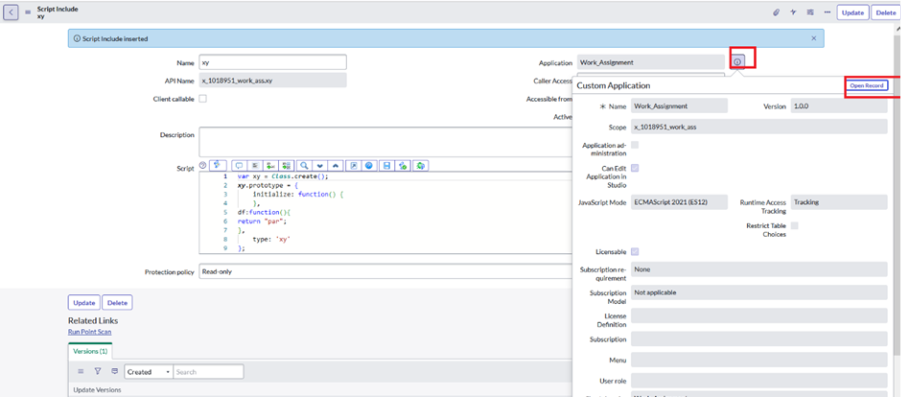
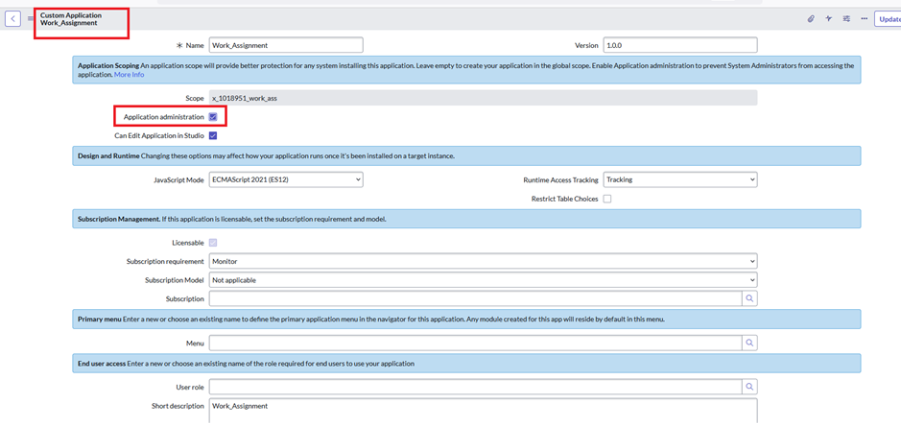
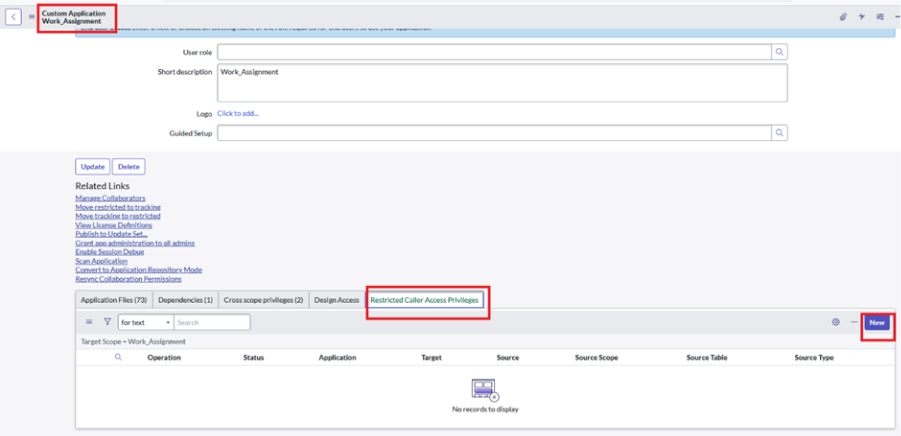
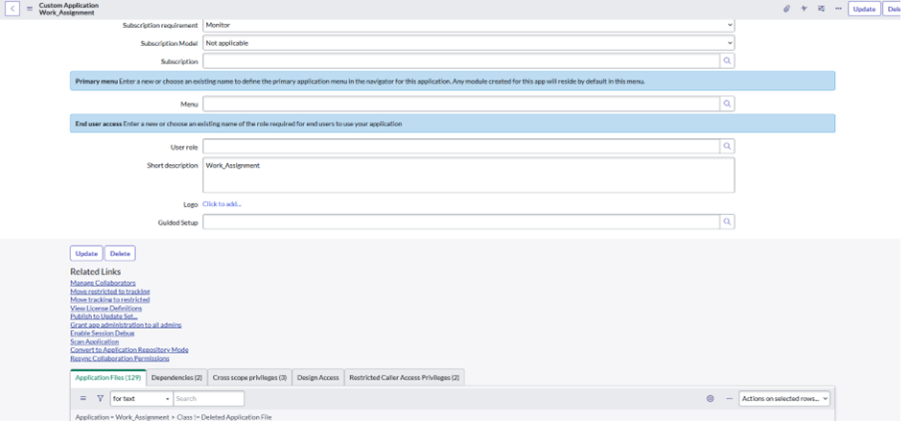
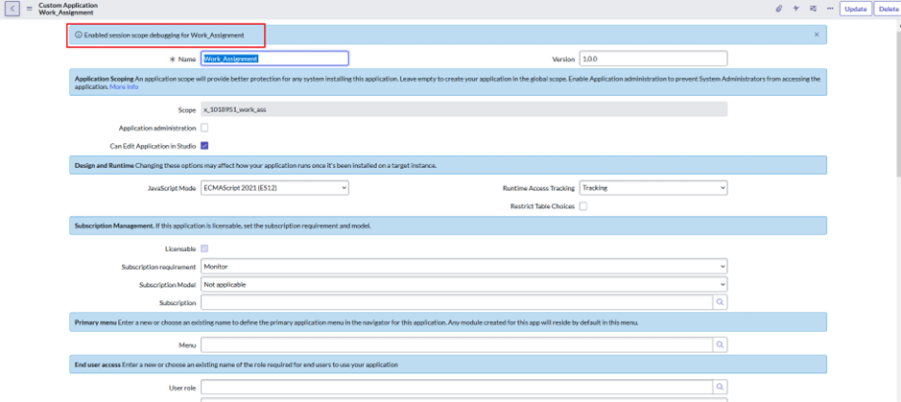
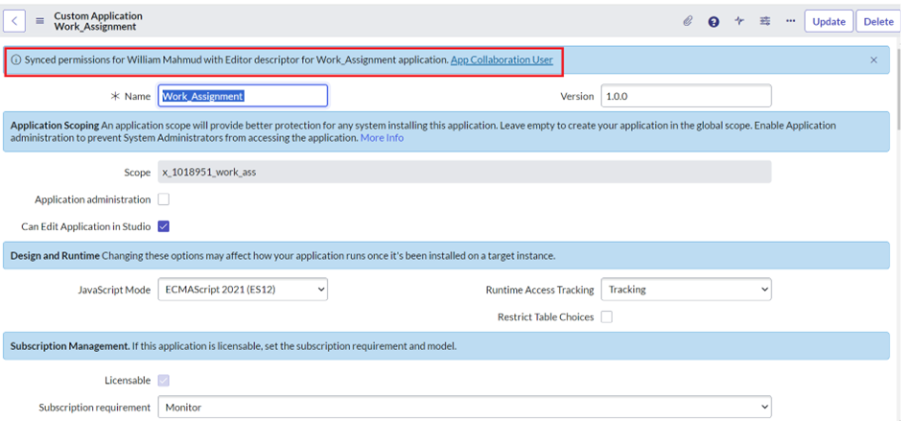
Custom Application Form fields
Field name | Type | Description |
Name | String | The display field for the package |
Version | String | Identifies the latest version of the package in dot decimal notation |
Scope | String
Read only | Identifies unique application scope [x_companyCode_shortAppID] See properties Glide.appcreator.company.code |
Application administration | Boolean | When checked system administration will be preventing from accessing the application |
Can Edit Application in Studio | Boolean | Allow user to edit application file in studio |
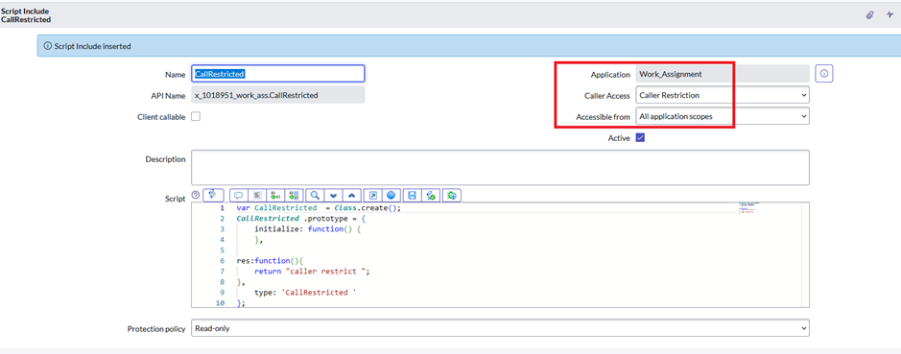
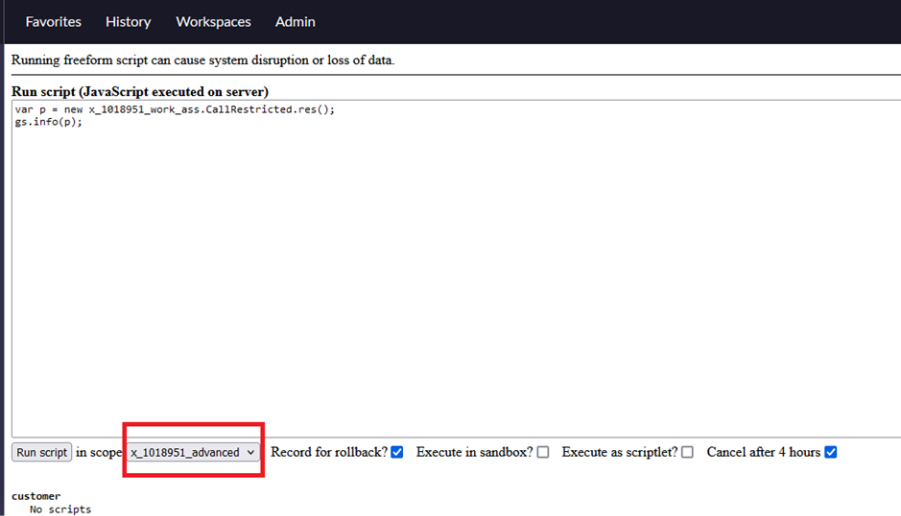
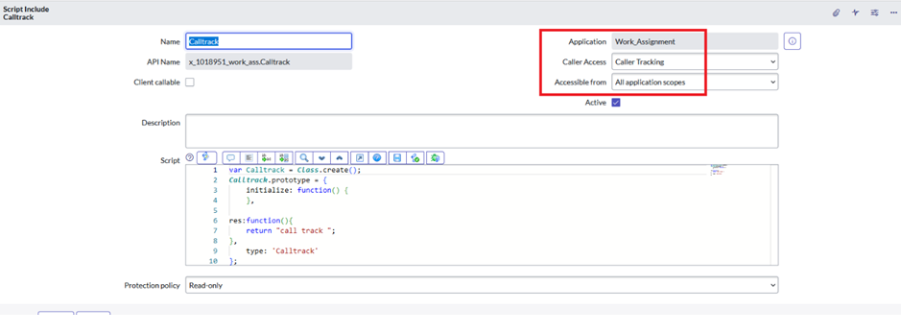
Run time access tracking | Choice a. Tracking log-access the system and allows script to execute
b.Enforcing log – access the request but required administration authorization before script executation proceed | Script interaction with other application is controlled by the system runtime access system Use Runtime Access Tracking to manage script access to resources from other applications |
Restrict Table Choices | Boolean | Restrict design time access to table outside application scope |
Licensable | Boolean | Licensable or not |
Subscription requirement | Choice a.Monitor b.Required | Subscription requirement for usage of this package |
Subscription model | Choices a.NA b.fulfiller /requestor c.procedure d.capacity e.mixed f.Application in use | Subscription model is defined here |
Subscription | Reference | Refer to license_details |
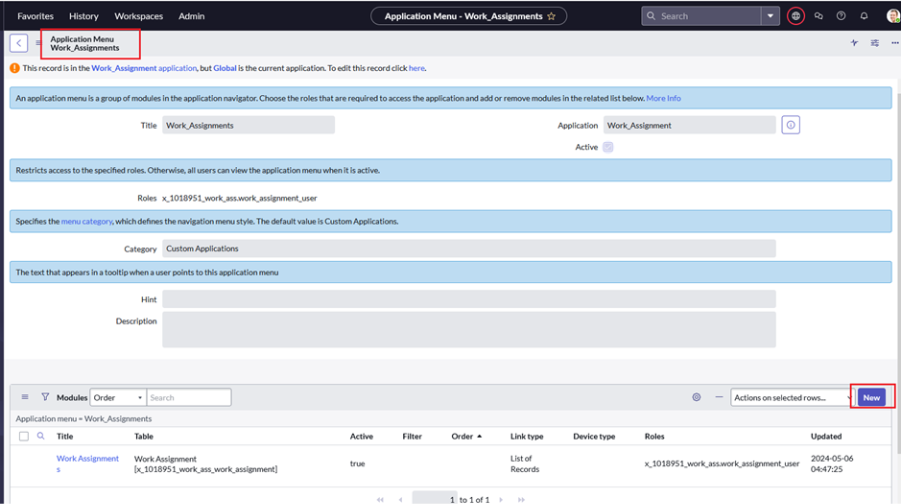
Menu | Reference | Refer to sys_app_application This application primary menu where default table module will reside |
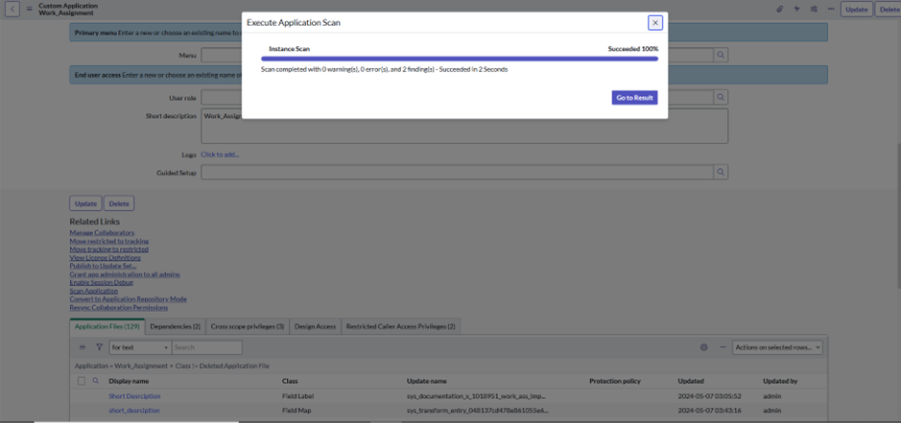
User role | Reference | Refer to sys_user_role Role required for end user to access this application and its table |
Short description | string | Short description for application |
logo | User_image | Logo for application |
Guided Setup | Reference | Refer to gsw_content Guided Setup to start when to application is installed/upgraded |
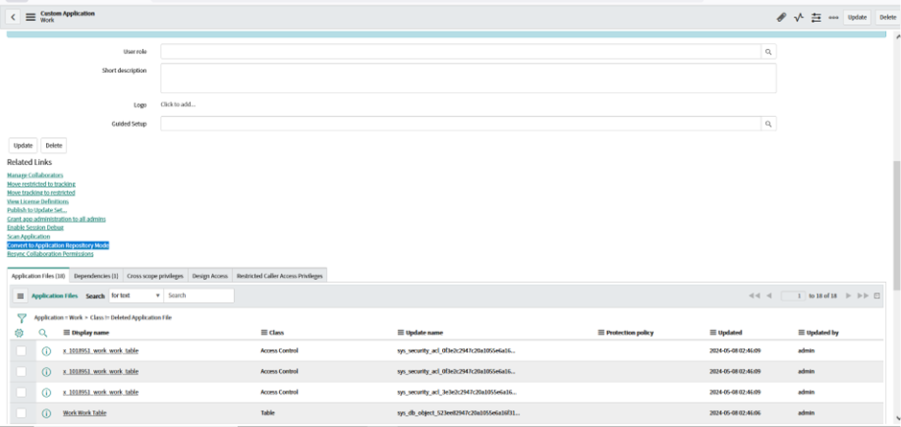
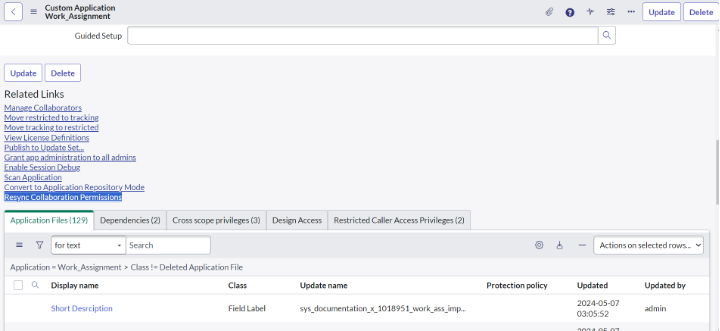
Related links
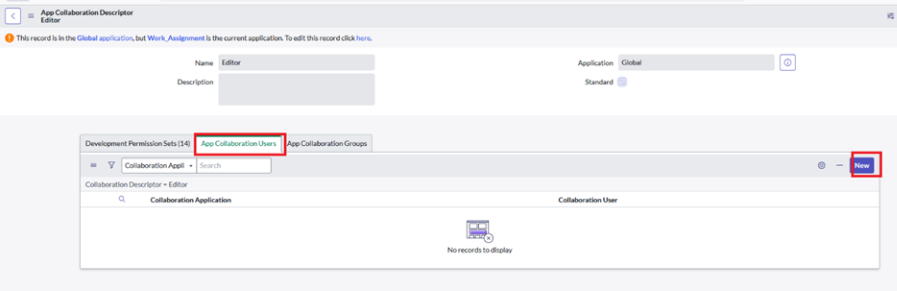
- Collaboration descriptors let you assign, manage, and monitor permissions for each application or across multiple applications consistently
- Collaborators -a person who works together with others for a special purpose
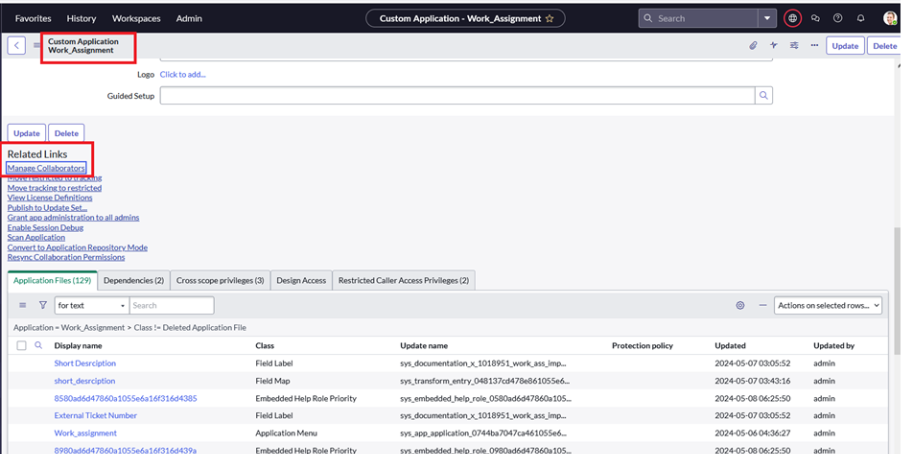
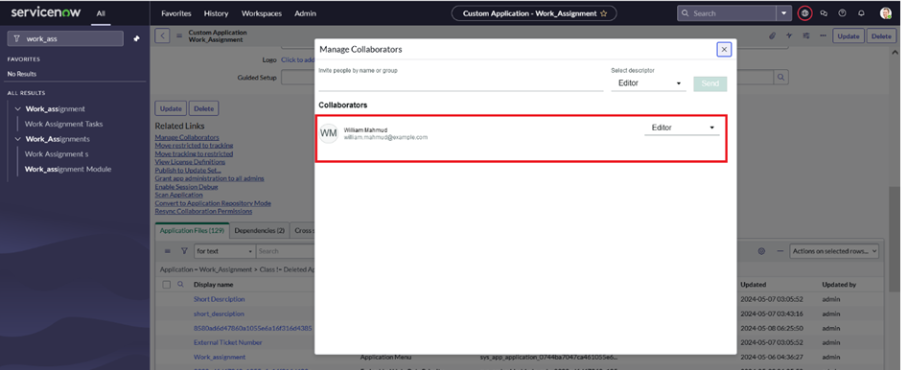
- Navigate and search for collaborators.
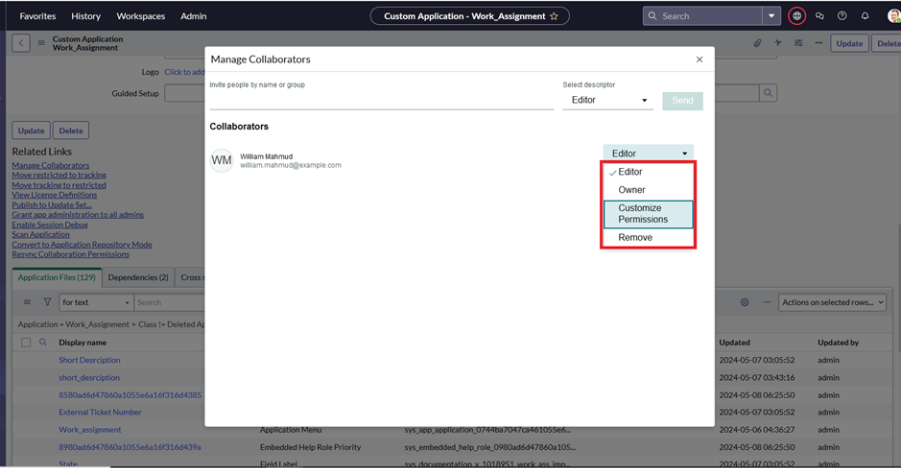
Related link -click on manage collaborator.
See user can do following thing
Move restricted to tracking
- It will simply just move Whatever configuration we have done on custom scoped application restricted to tracking
- Move tracking to restricted
- It will simply just move Whatever configuration we have done on custom scoped application tracking to restricted
- It will redirect to sys_app_license_defn_list
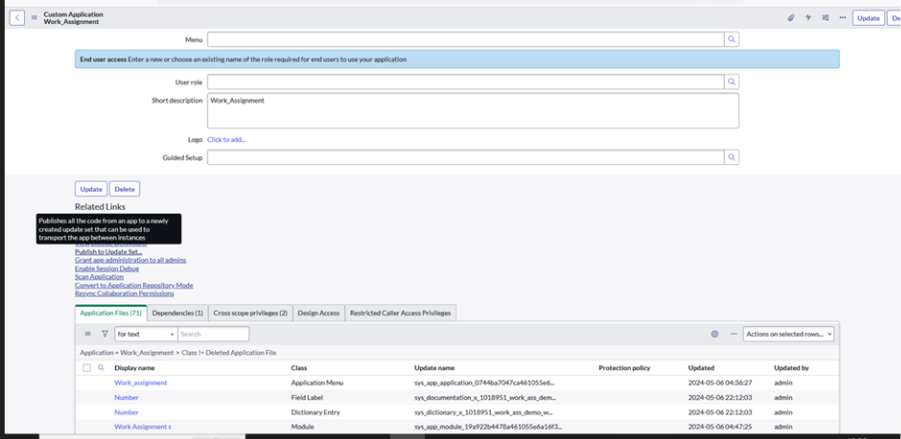
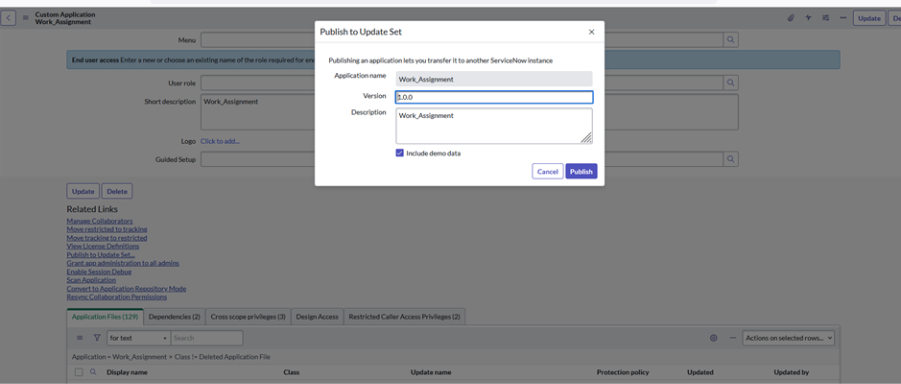
Publish to Update Set
- Publishes all the code from an app to a newly created updated set that can be used to transfer the app between instance.
Grant app administration to all admins
- Grand a role that are required for the admins to be able to grand any of the applications role
Enable Session Debug